Clone mode · AI model photos
AI model for clothes: your item, worn, in 30 seconds.
Upload one phone photo of a garment you’re selling. Vintefy shows that exact item worn by a realistic AI model. No photoshoot, no modelling it yourself.
- About 30 seconds per photo
- From €0.17 per photo
- Used by 2,400+ sellers
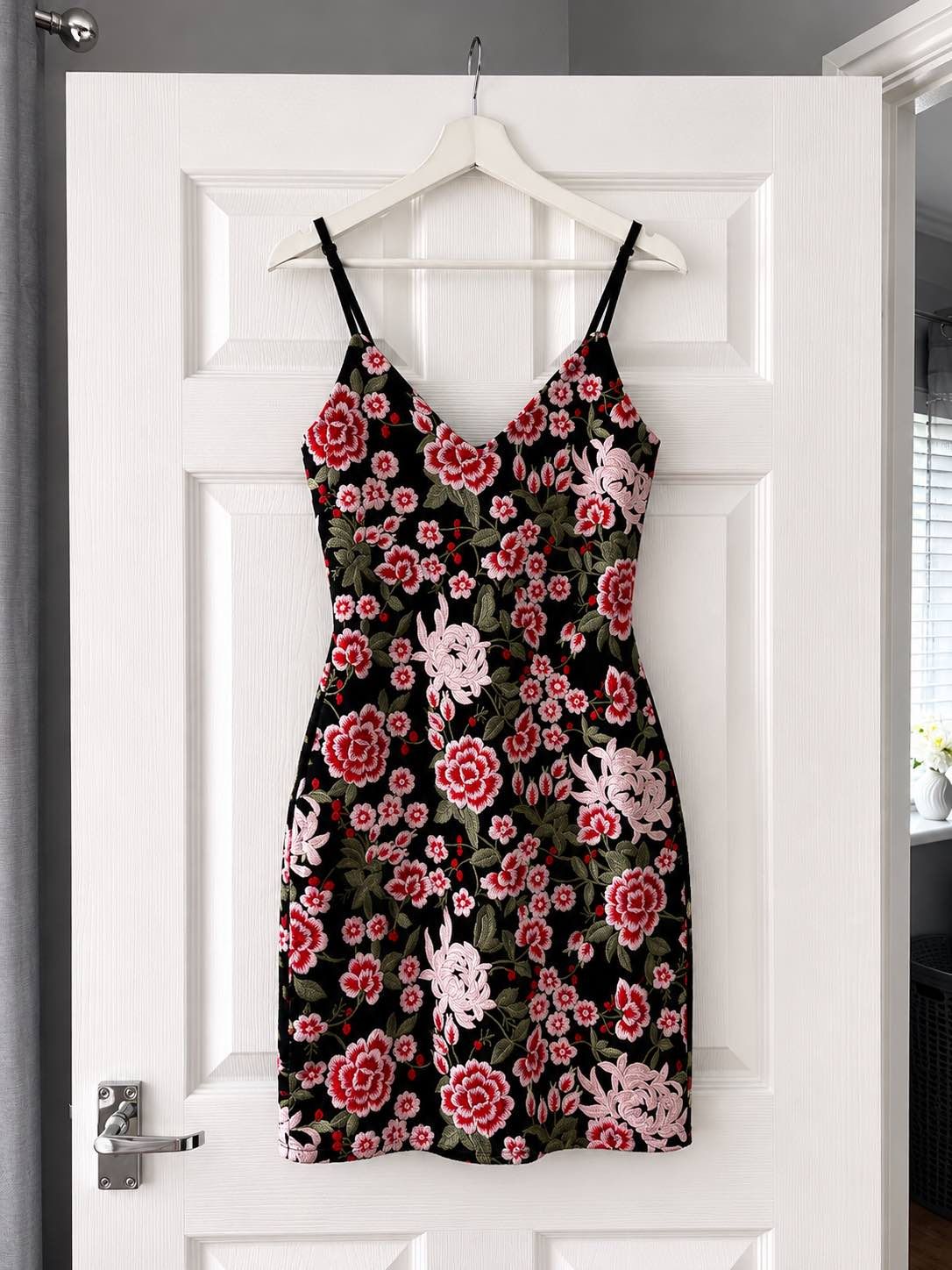
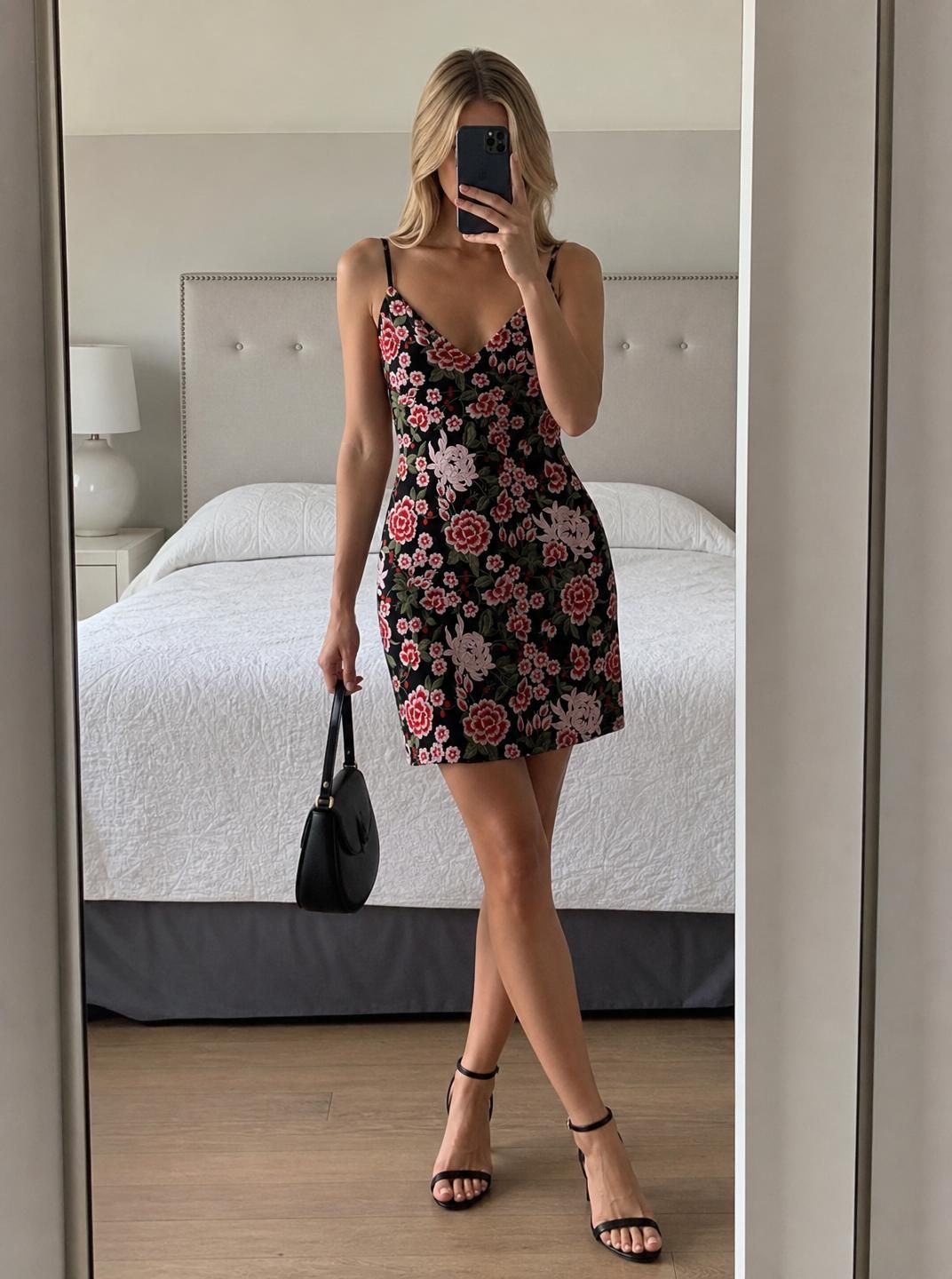
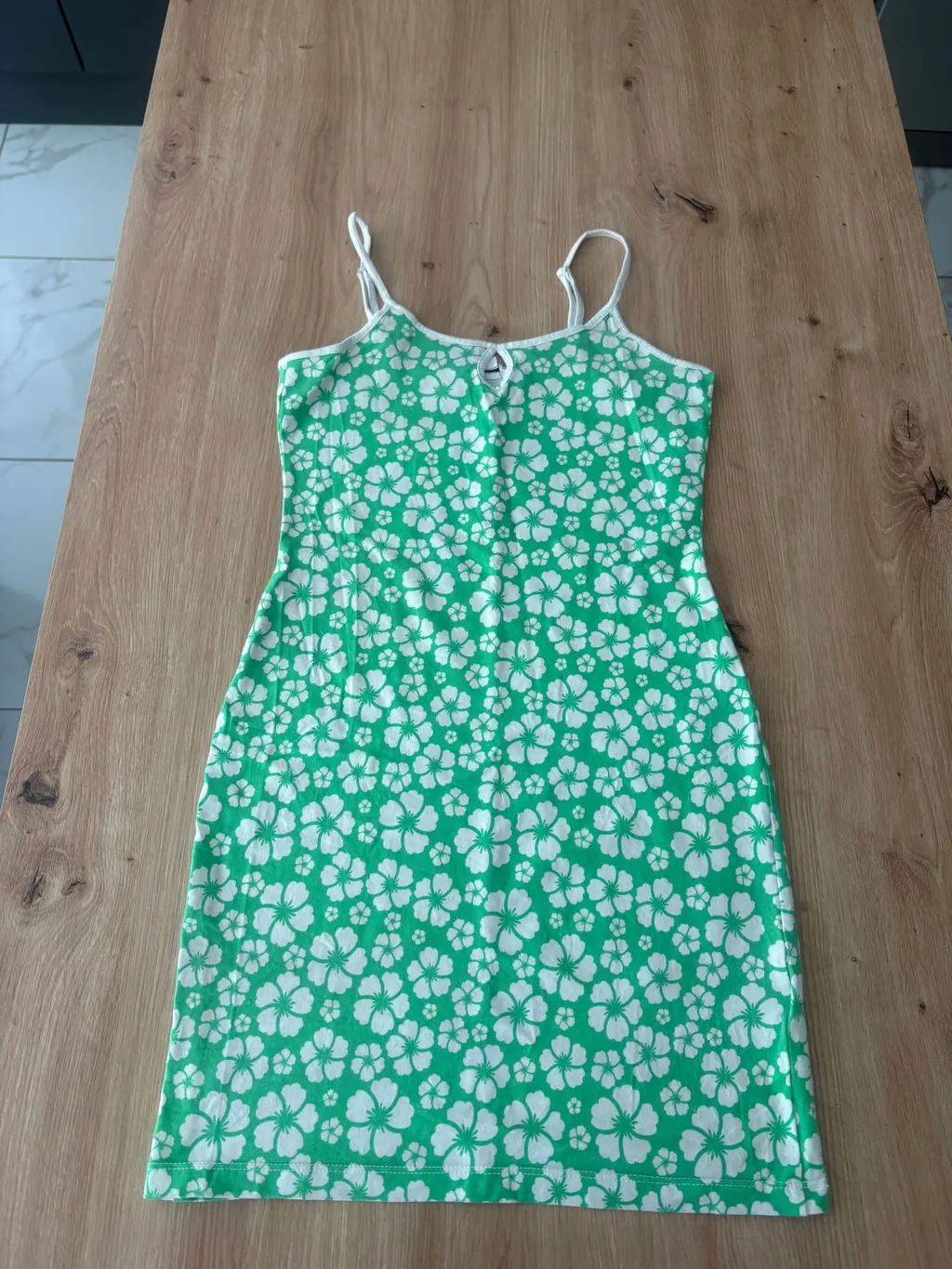
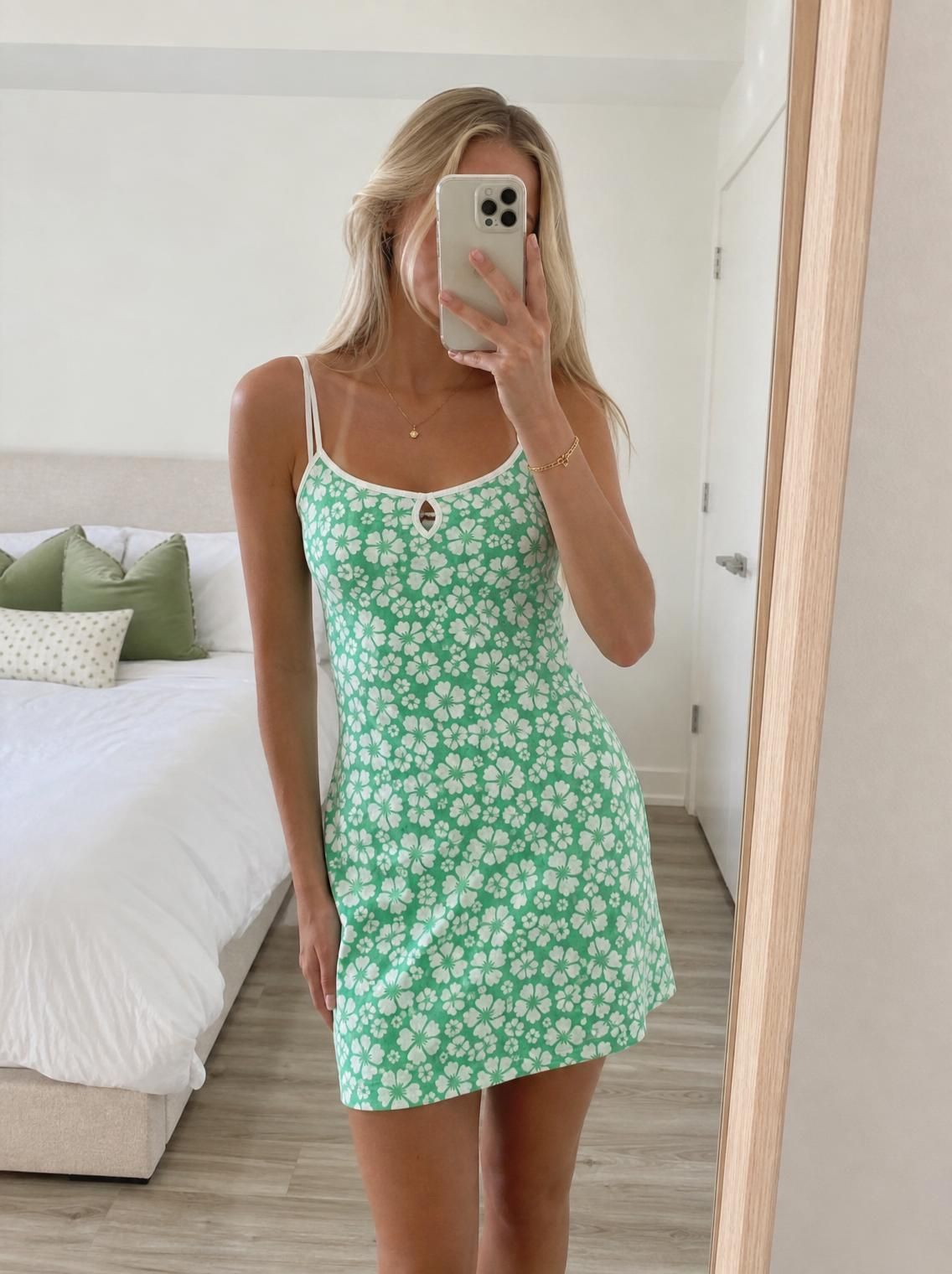
Floral mini dress · Clone mode · real Vintefy output
The short answer
To put clothes on an AI model, upload one clear photo of the item to Vintefy and choose Clone mode. About 30 seconds later you have a photo of your real garment worn by a realistic model, ready to be the first photo of your listing. Keep the colours true, and add plain photos of the actual item and any flaws next to it.
Real Clone mode results
AI model photos for clothing, from a phone photo
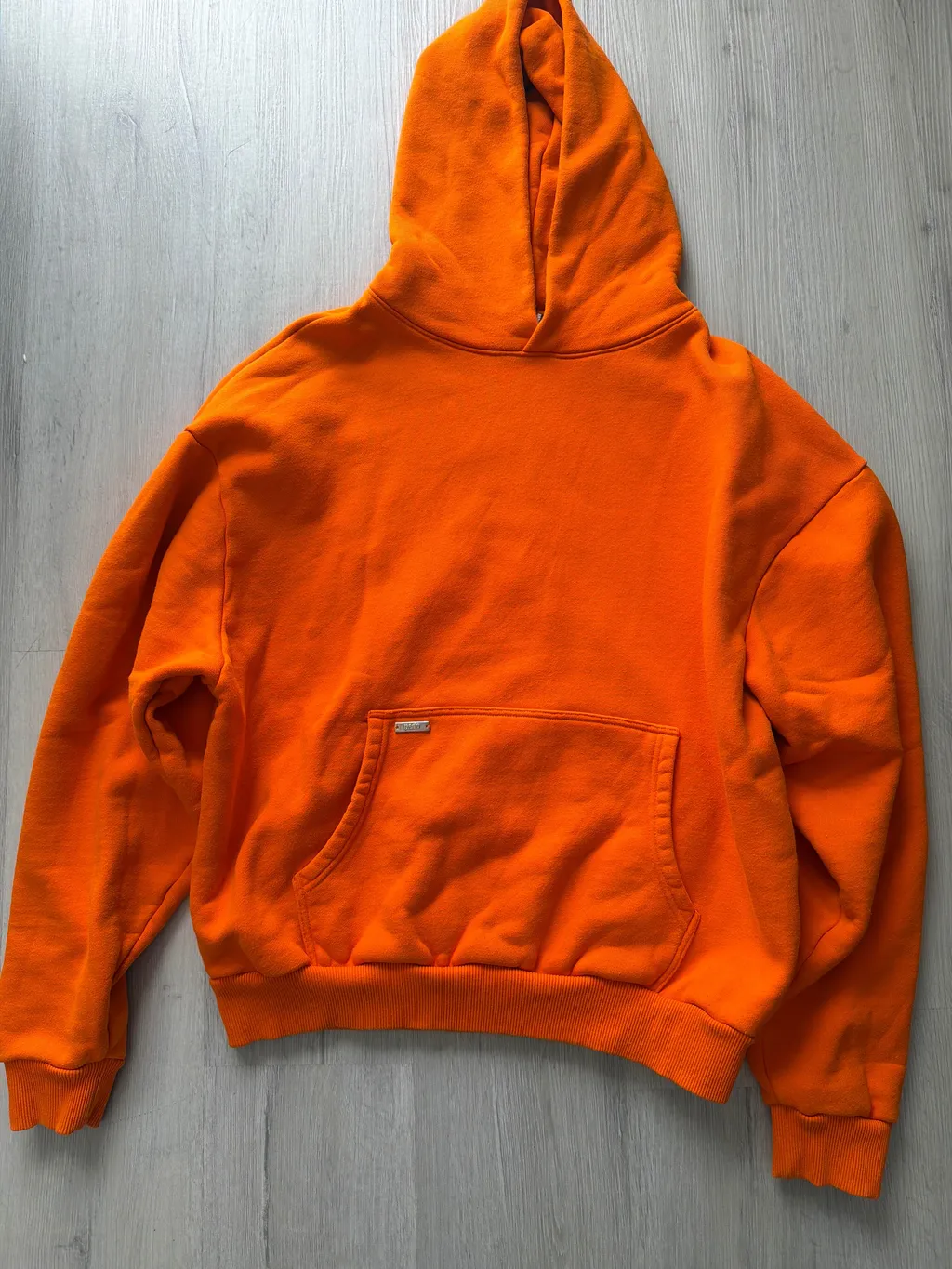
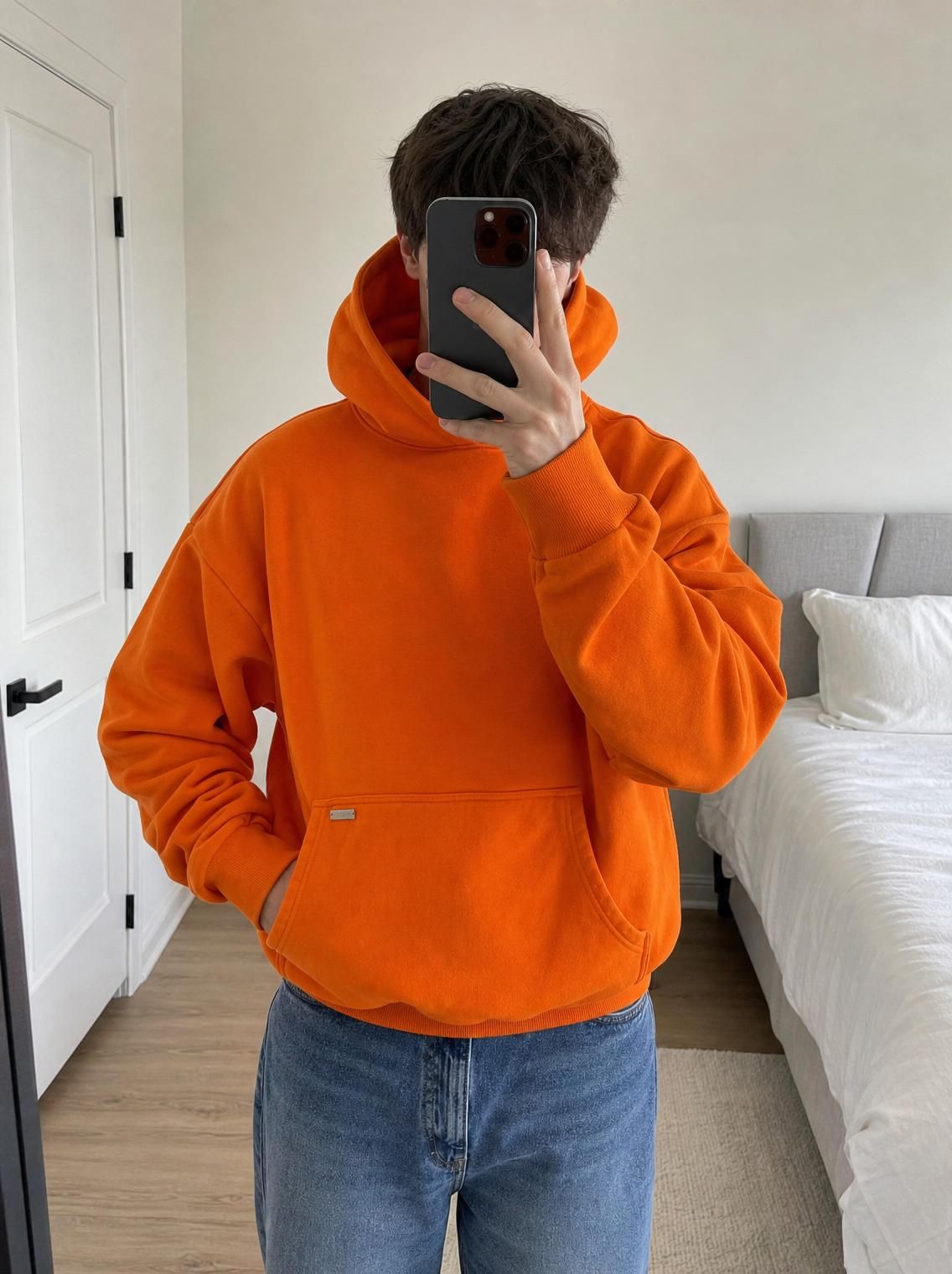
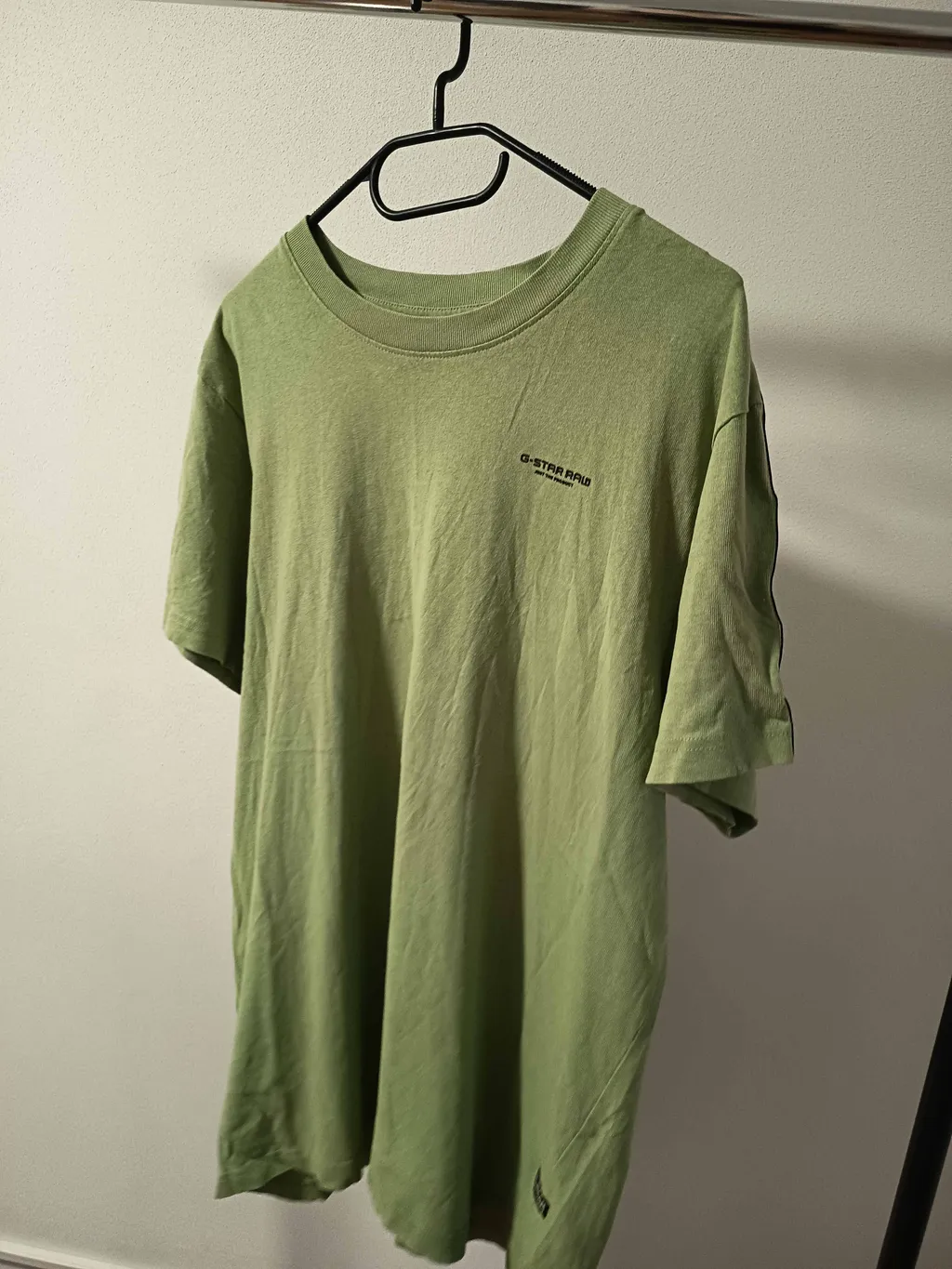
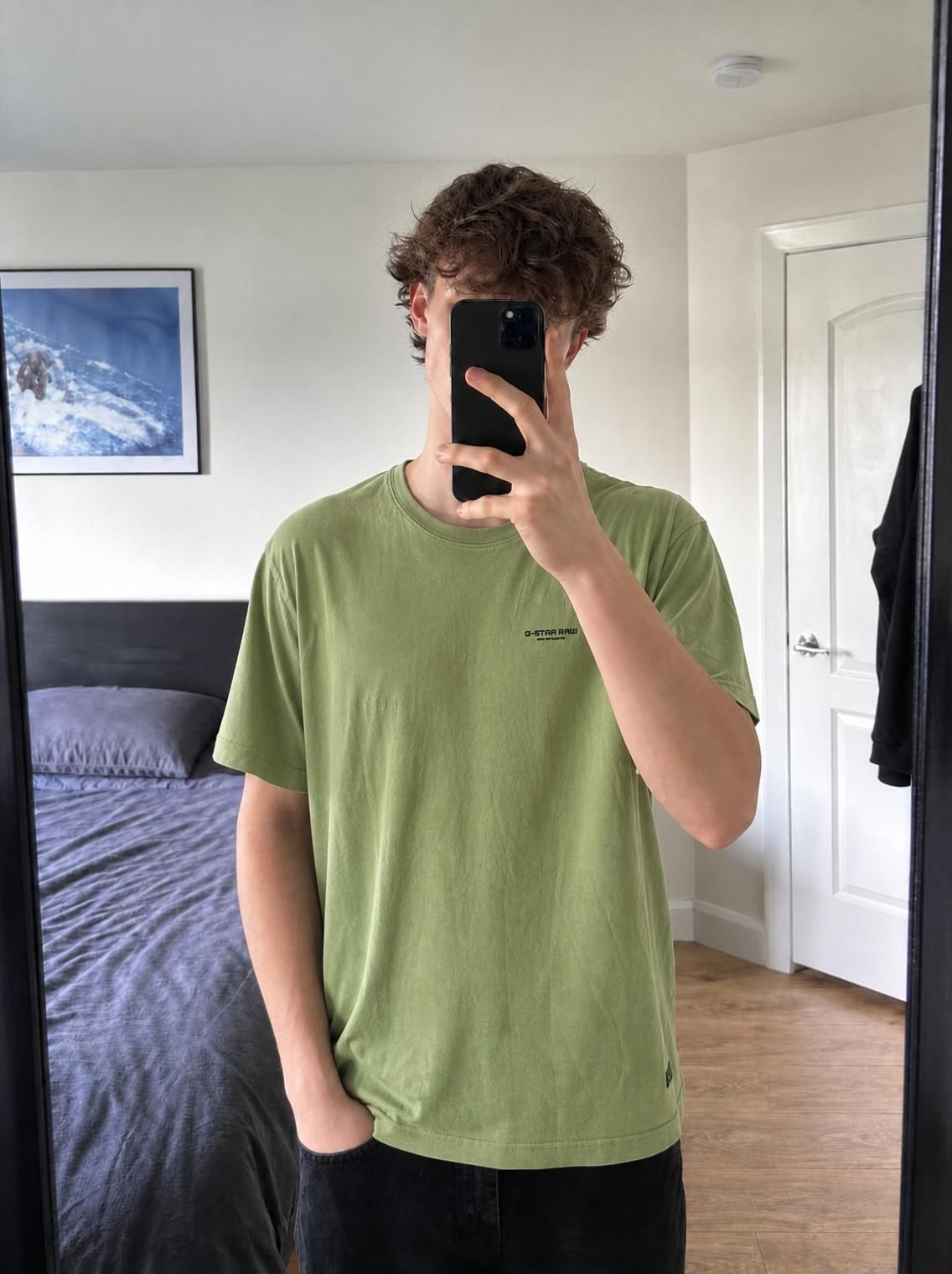
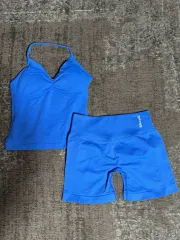
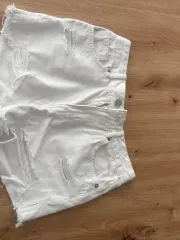
Every image below is real Vintefy output from a seller’s own photo. The small inset is the photo that went in.
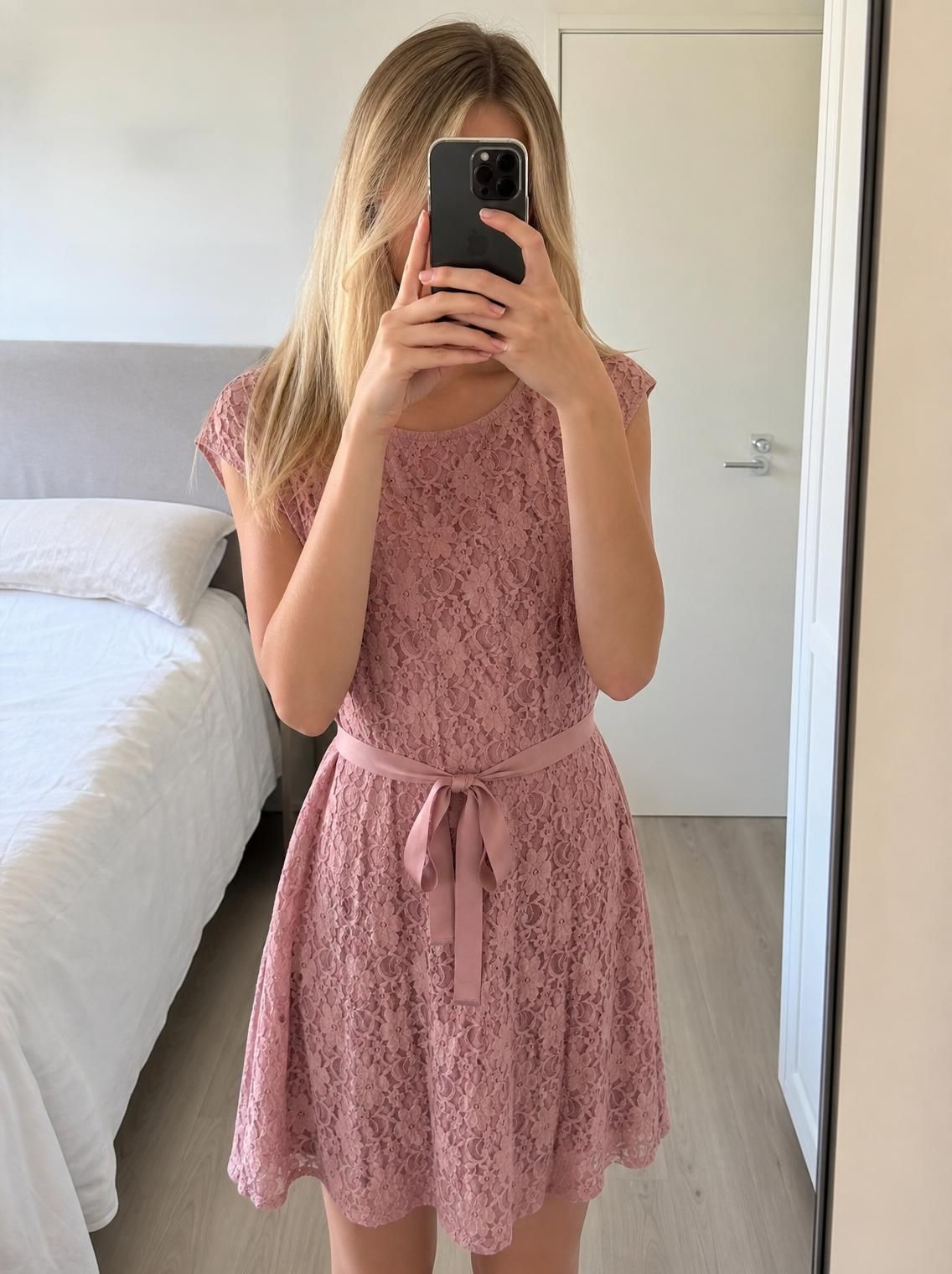
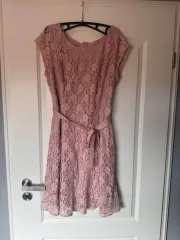 Before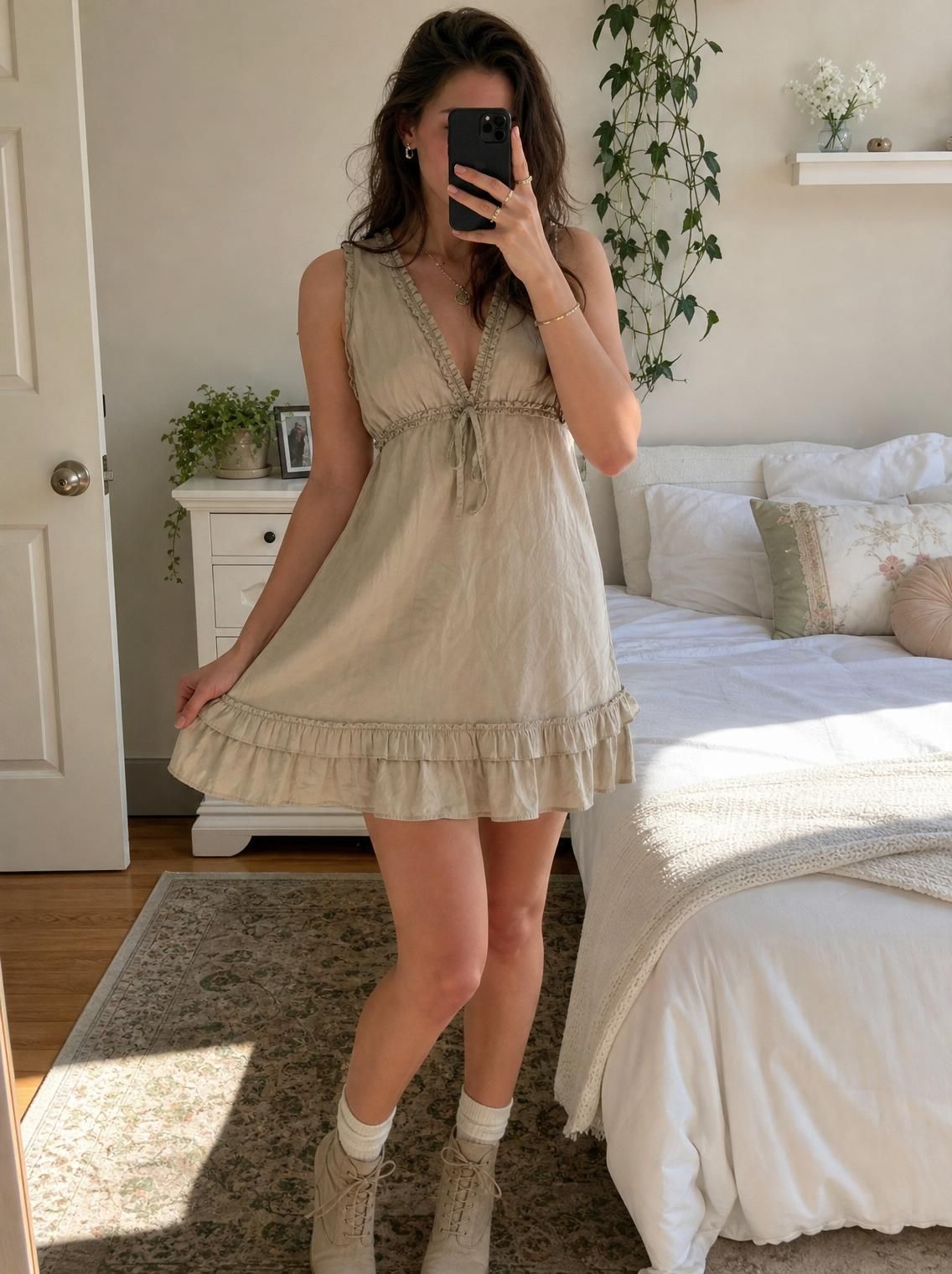
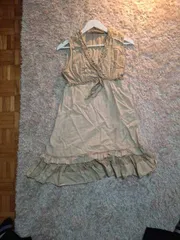 Before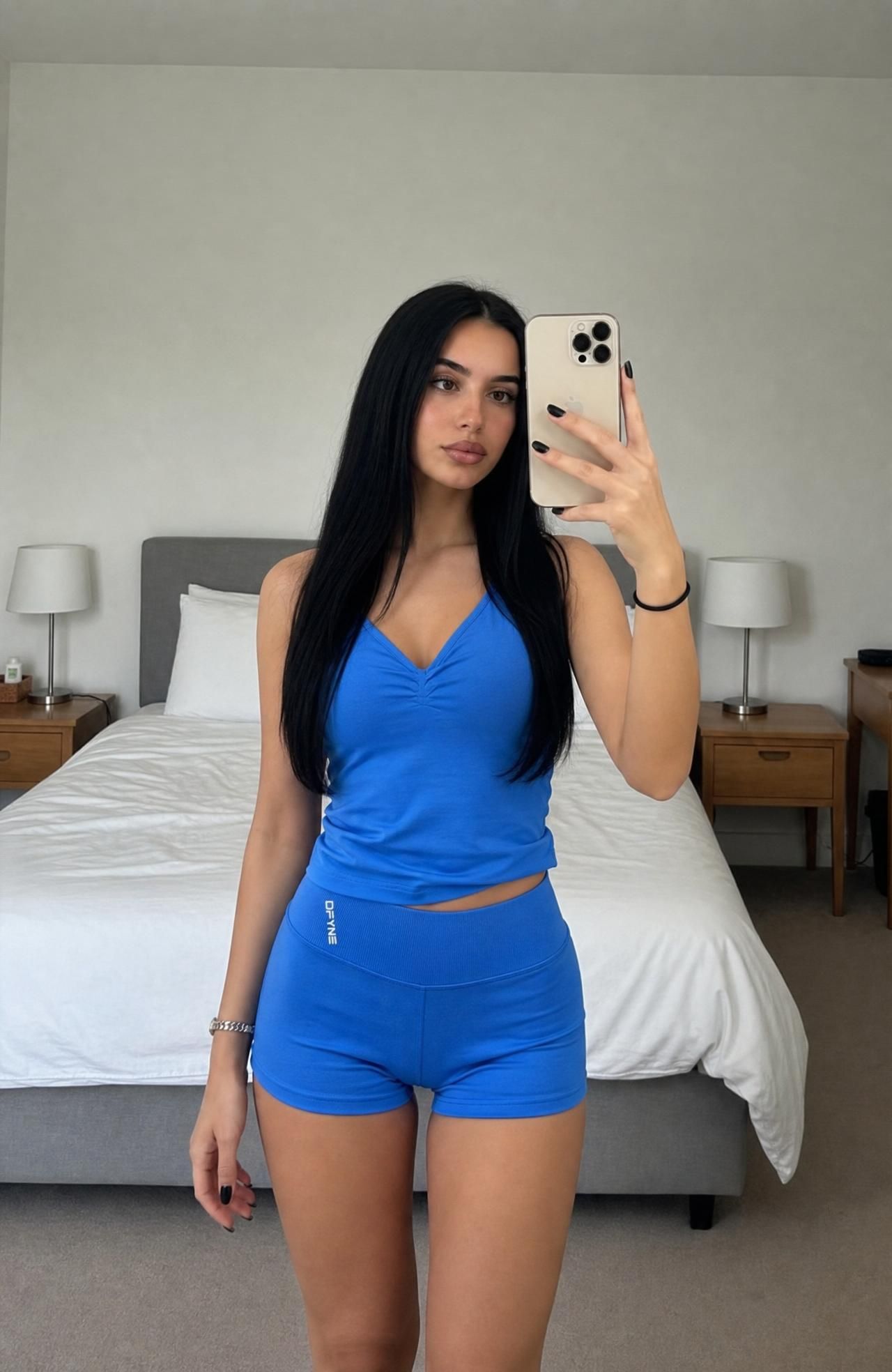
 Before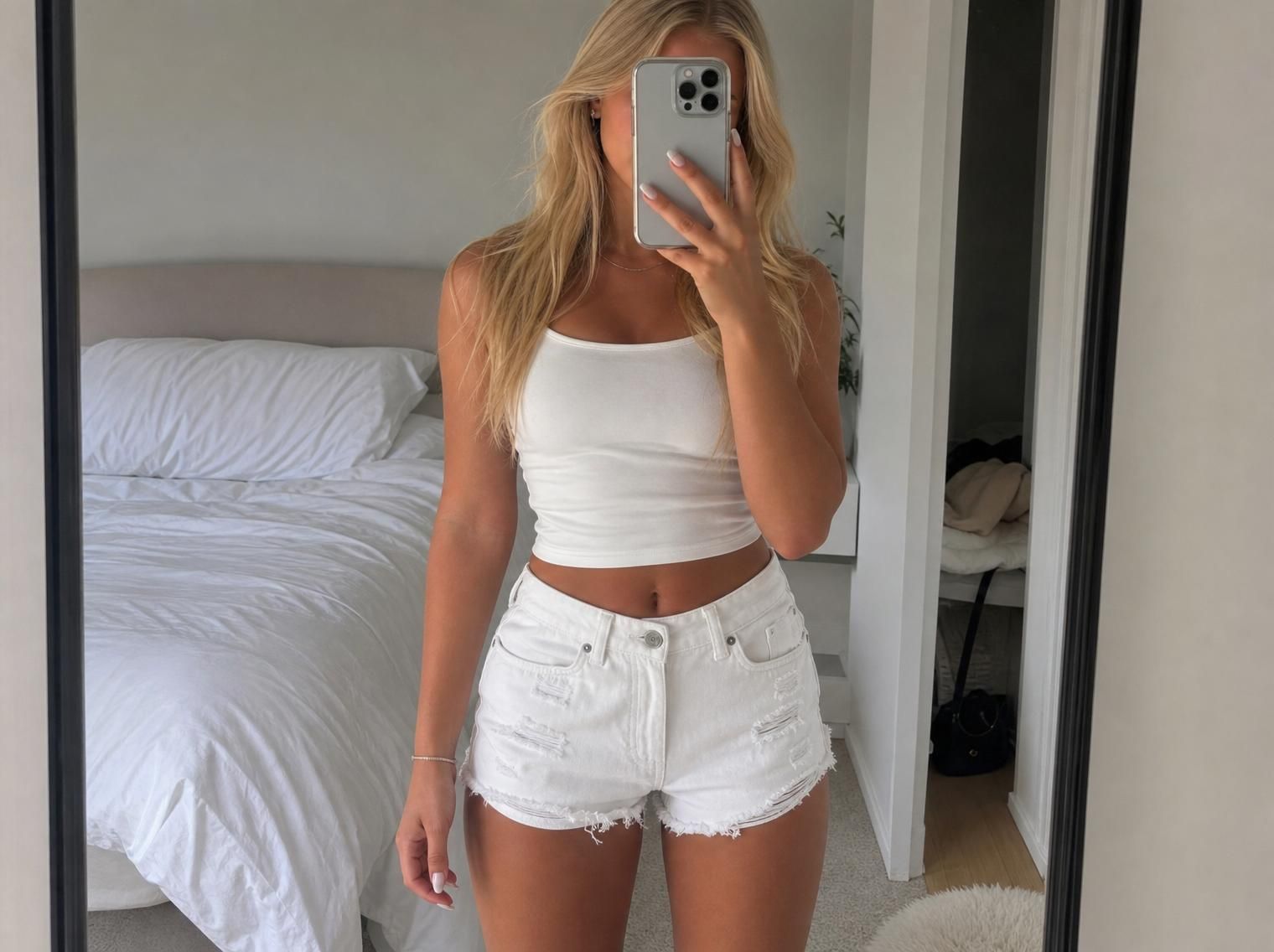
 Before
How it works
How to put clothes on an AI model
Three steps between a hanger shot and an on-model listing photo.
Step 1
Upload one photo of the item
A flat lay on the floor, the item on a hanger, or a quick mirror shot. Natural light and the whole garment in frame give the best result.
Step 2
Pick a model, or don’t
Choose one of the preset women or men models, upload your own model photo, or leave it to Vintefy. Optional instructions such as “full-body shot” or “keep the logo visible” steer the result.
Step 3
Download the on-model photo
In about 30 seconds you get your item worn by a realistic model, ready to use as the first photo of your listing on Vinted, Depop, eBay or your own shop.
Clone mode or Studio mode?
An AI model, a clean background, or both?
Vintefy has two modes from the same upload. Pick by item: if it looks flat on a hanger, put it on a model.
- Clone mode · this pageYour item, worn by an AI modelFor clothes that look flat on a hanger: dresses, sets, knitwear, hoodies, trousers. Buyers see fit, length and drape.
- Studio modeYour item on a clean backgroundFor caps, bags, shoes, jackets and anything that already holds its shape. The clutter goes, the item stays.Learn more
- OverviewThe AI clothing enhancerBoth modes side by side, what changes in the photo, and how resellers use them.Learn more
- For VintedVinted photo enhancerThe same tool, explained for Vinted’s feed, photo rules and buyers.Learn more
Why sellers use it
Why put your clothes on an AI model?
On a secondhand marketplace the photo is most of what a buyer gets. An on-model photo answers the questions a hanger can’t.
Show fit and drape
A dress on a hanger tells buyers almost nothing about length or shape. On a model they see where it sits, how it falls and how it moves.
Keep yourself out of the picture
Many sellers don’t want photos of their own body online. An AI model shows the garment worn without you modelling it.
Skip the photoshoot
No mirror selfies, no borrowed friend, no second outfit change. One phone photo, about 30 seconds, next item.
A shop that looks consistent
Every first photo in the same style makes a profile look looked-after. Buyers who find one item browse the rest.
Honest limits
What an AI model photo can’t do
An on-model photo presents the item. It never replaces showing the item. Five rules keep buyers happy and your account safe.
01
Always add real photos of the item
The model shot is the first photo, not the only one. Add plain photos of the actual garment, the label and any flaws. Vinted asks sellers to show defects in the pictures, and buyers who can check condition buy with more confidence.
02
Colours must match the real item
Compare the result with the garment in daylight before you list. If a colour or shade is off, regenerate from a better-lit photo or don’t use it. A colour mismatch is a return waiting to happen.
03
The model is not your size chart
The model shows how the style is worn, not how your size fits a particular body. Give real measurements (chest, waist, length) in the description.
04
Check logos, prints and small text
AI handles most prints well, but fine text, small logos and complex patterns can come out slightly wrong. Zoom in, and keep a real close-up of the logo and care label in the listing.
05
Never use it to hide wear
Pilling, fading, stains and repairs belong in the listing. Vinted told Dutch broadcaster NOS in August 2026 that AI is allowed as long as the photo remains an accurate representation of the item, and that using AI to deceive is not.
More on the rules: AI photos on Vinted: what’s allowed.
Pricing
AI model photos from €0.17 per photo
Monthly plans. Every photo is one credit, in either mode. Credits renew monthly and you can cancel anytime.
Starter
For your first listings
€19/month
60 photos a month · €0.32 per photo
- Clone mode (on a model) and Studio mode
- All backgrounds and floors
- No watermark
- Description generator: 50 a day
Pro
For full-time resellers
€99/month
600 photos a month · €0.17 per photo
- Clone mode (on a model) and Studio mode
- All backgrounds and floors
- No watermark
- Description generator: 50 a day
Credits renew monthly. Cancel anytime. Secure payment via Polar.
FAQ
AI model photos: questions
How do I put my clothes on an AI model?
Upload one photo of the item to Vintefy and choose Clone mode. Optionally pick a preset model, upload your own model photo or add instructions. In about 30 seconds you get a photo of your item worn by a realistic AI model, ready to use as the first photo of your listing.
Is this an AI fashion model generator?
Yes, but built for one job: showing a real item you are selling. Vintefy does not invent clothing. It takes the garment in your photo and shows it worn by an AI model, keeping the colour, pattern and details of your item.
How is Clone mode different from the clothing enhancer?
The clothing enhancer is Vintefy as a whole, with two modes. Clone mode, explained on this page, puts your item on an AI model. Studio mode puts it on a clean background instead, see our clothing background remover page. Both come from the same upload and the same plan.
Are AI model photos allowed on Vinted?
Vinted told Dutch broadcaster NOS in August 2026 that AI is not banned as a tool, provided the photo remains an accurate representation of the item and follows its terms, and that using AI to deceive is not allowed. Vinted’s photo guidance also asks sellers to show the entire item and any defects. Use the model photo first and add real photos of the item and its condition.
Will the AI change my item?
It is designed not to: the goal is the exact same item, worn. Always compare the result with the real garment. If a colour, print or detail differs, regenerate or don’t use that photo, because the buyer must receive what the photo shows.
What photo should I upload?
One clear photo of the whole item in natural light: a flat lay, a hanger shot or a mirror photo all work. Avoid heavy shadows, flash and cropped sleeves or hems. The AI can only show what it can see.
How much do AI model photos cost?
Vintefy works on monthly plans: Starter €19 for 60 photos, Seller €49 for 260 photos, Pro €99 for 600 photos. That is €0.17 to €0.32 per photo. Credits renew monthly and you can cancel anytime.
Vintefy is independent and not affiliated with Vinted, Depop or eBay.
Ready when you are
Put your next item on a model
One phone photo in, an on-model listing photo out, in about 30 seconds.