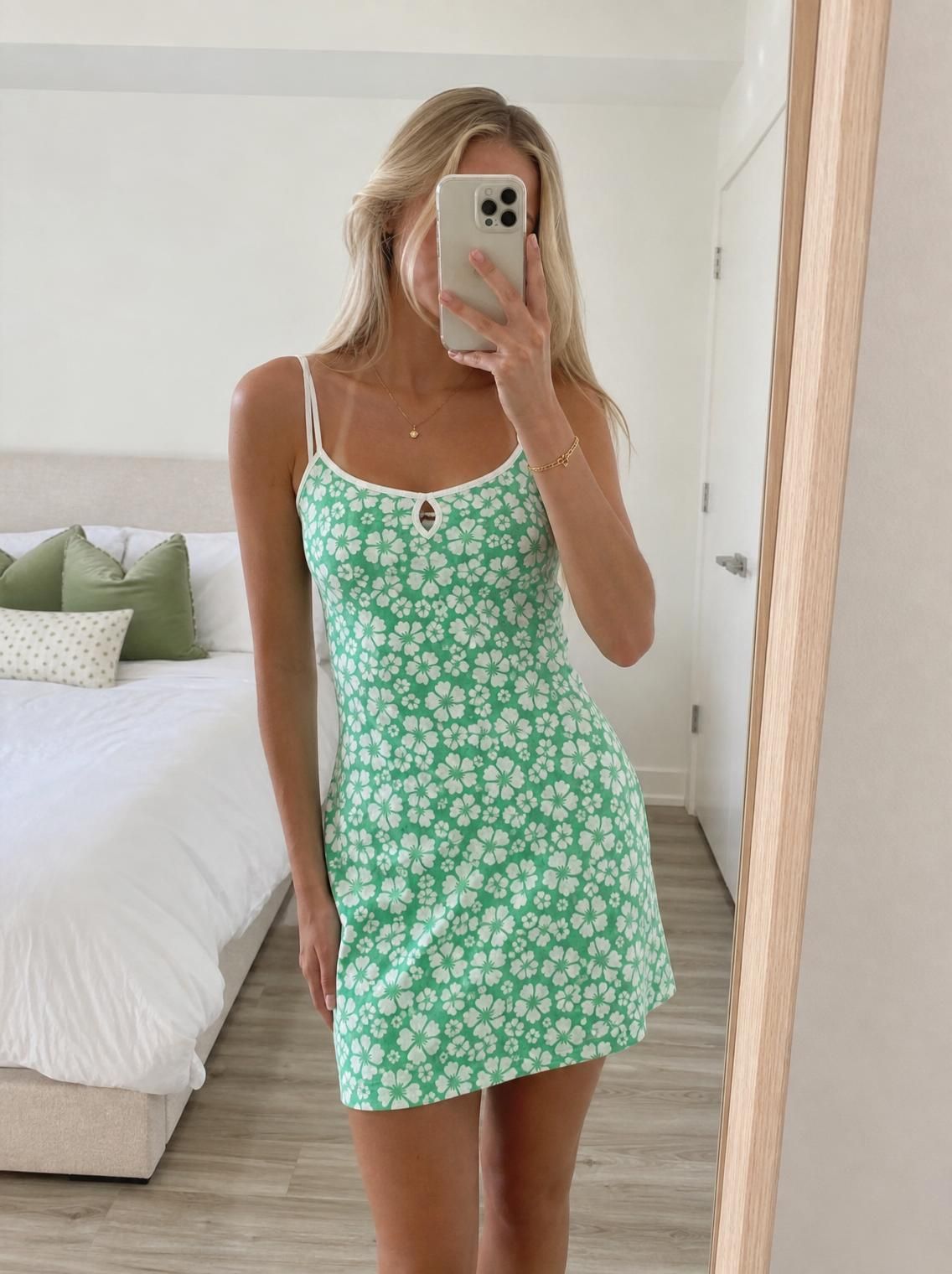
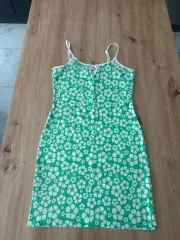
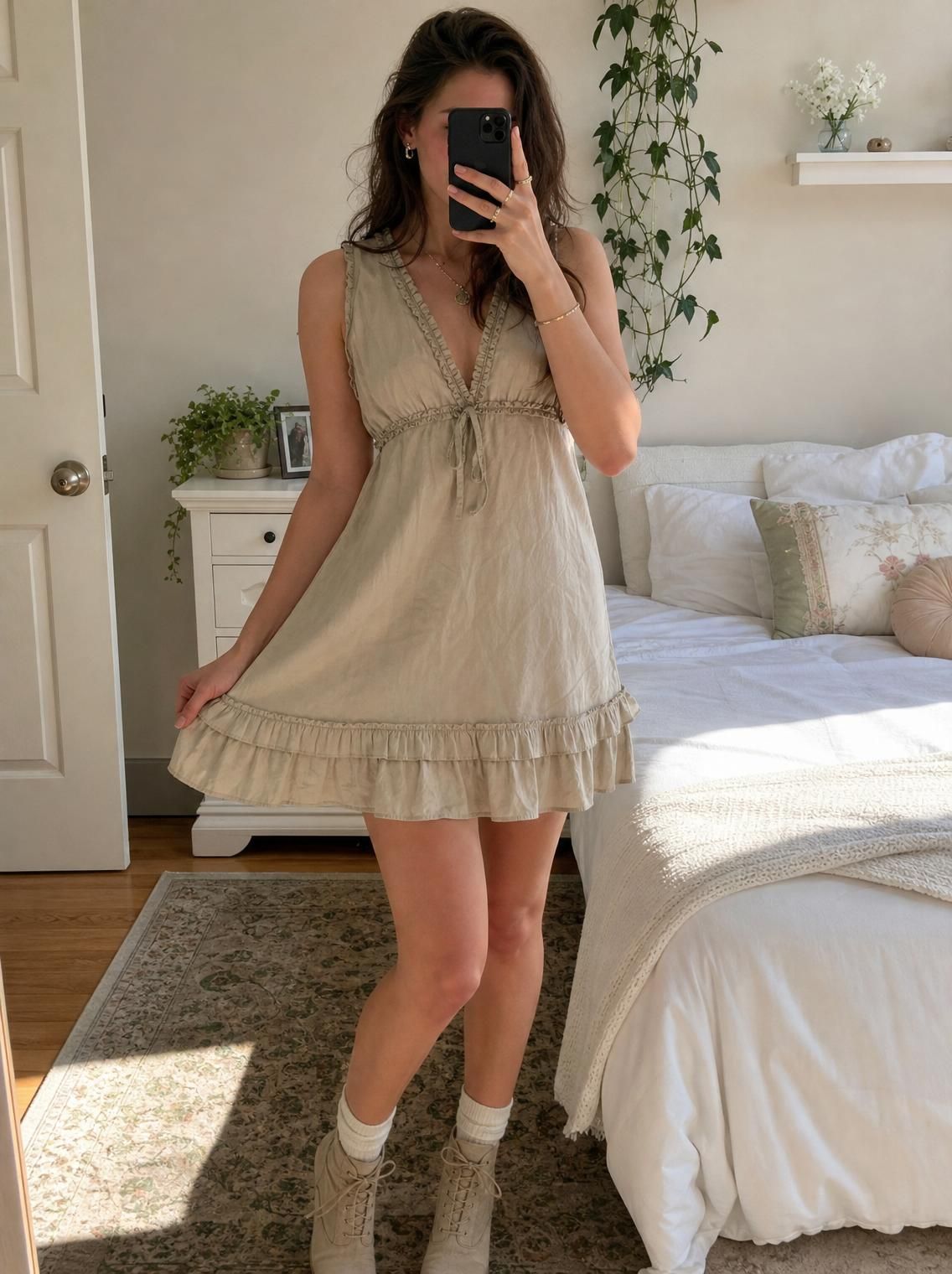
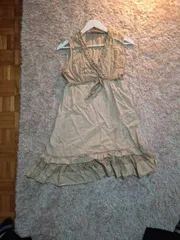
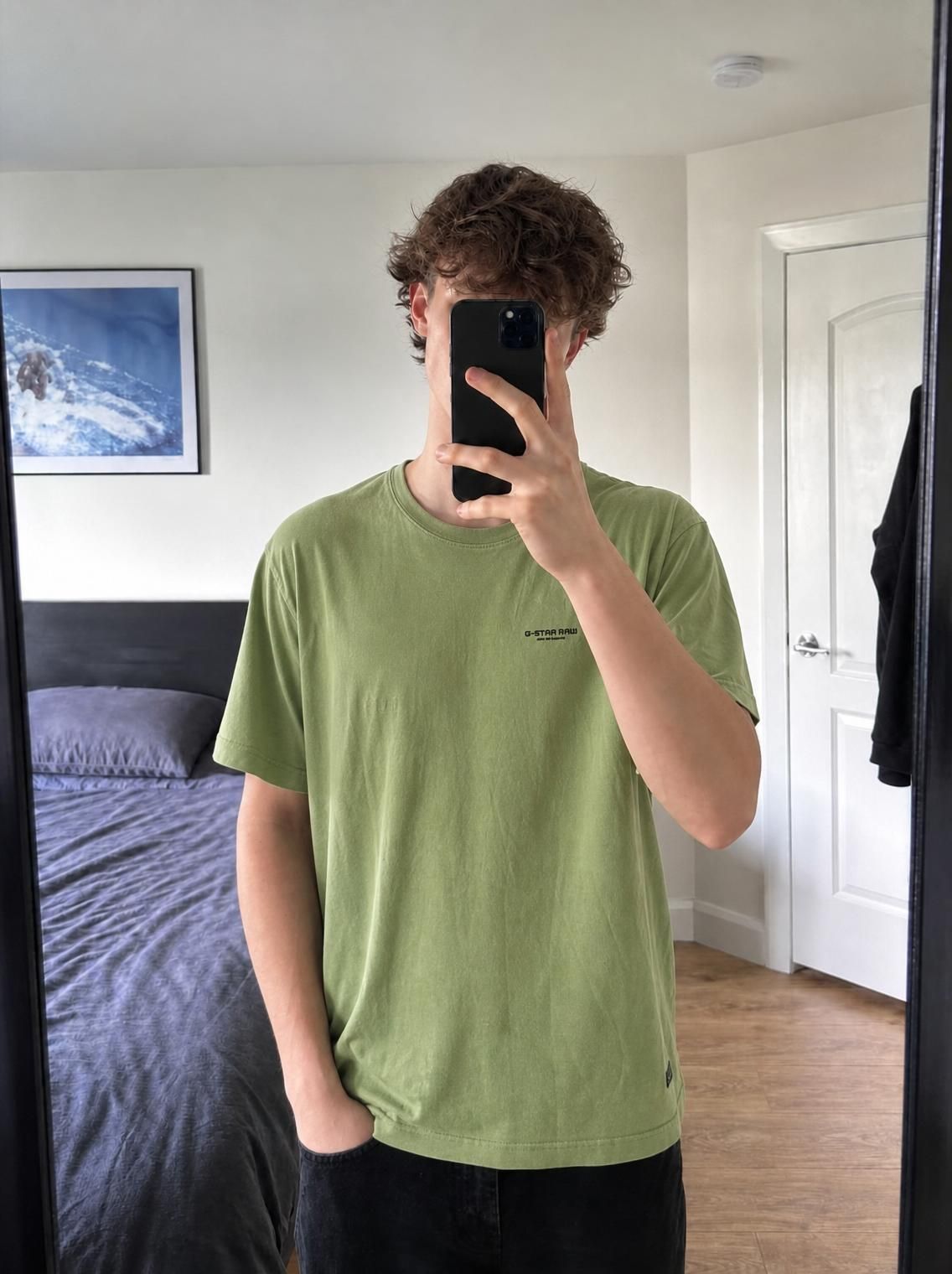
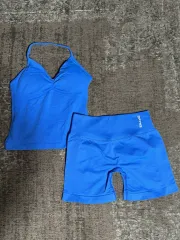
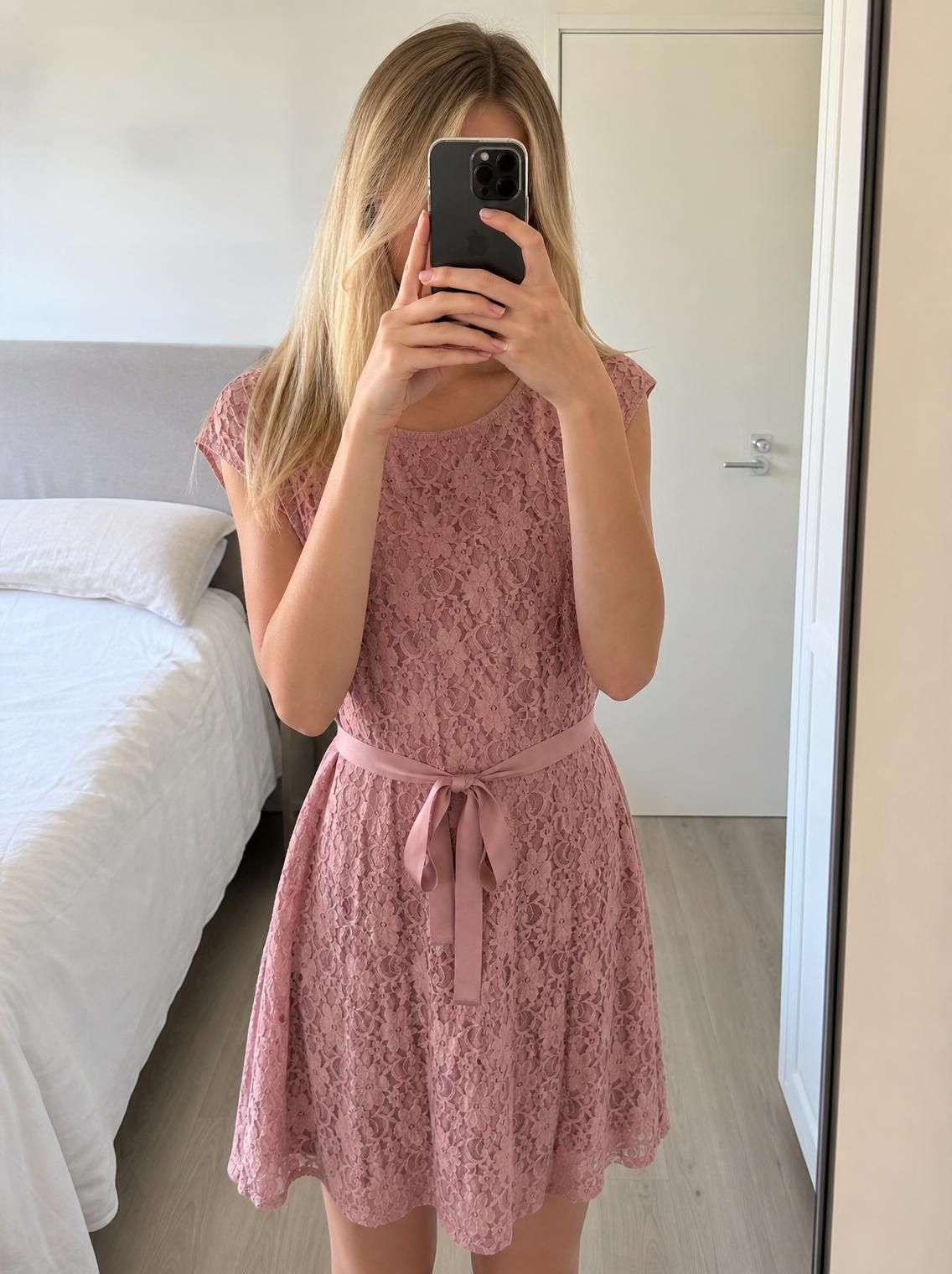
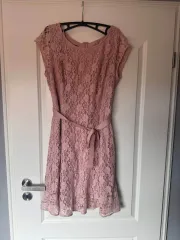
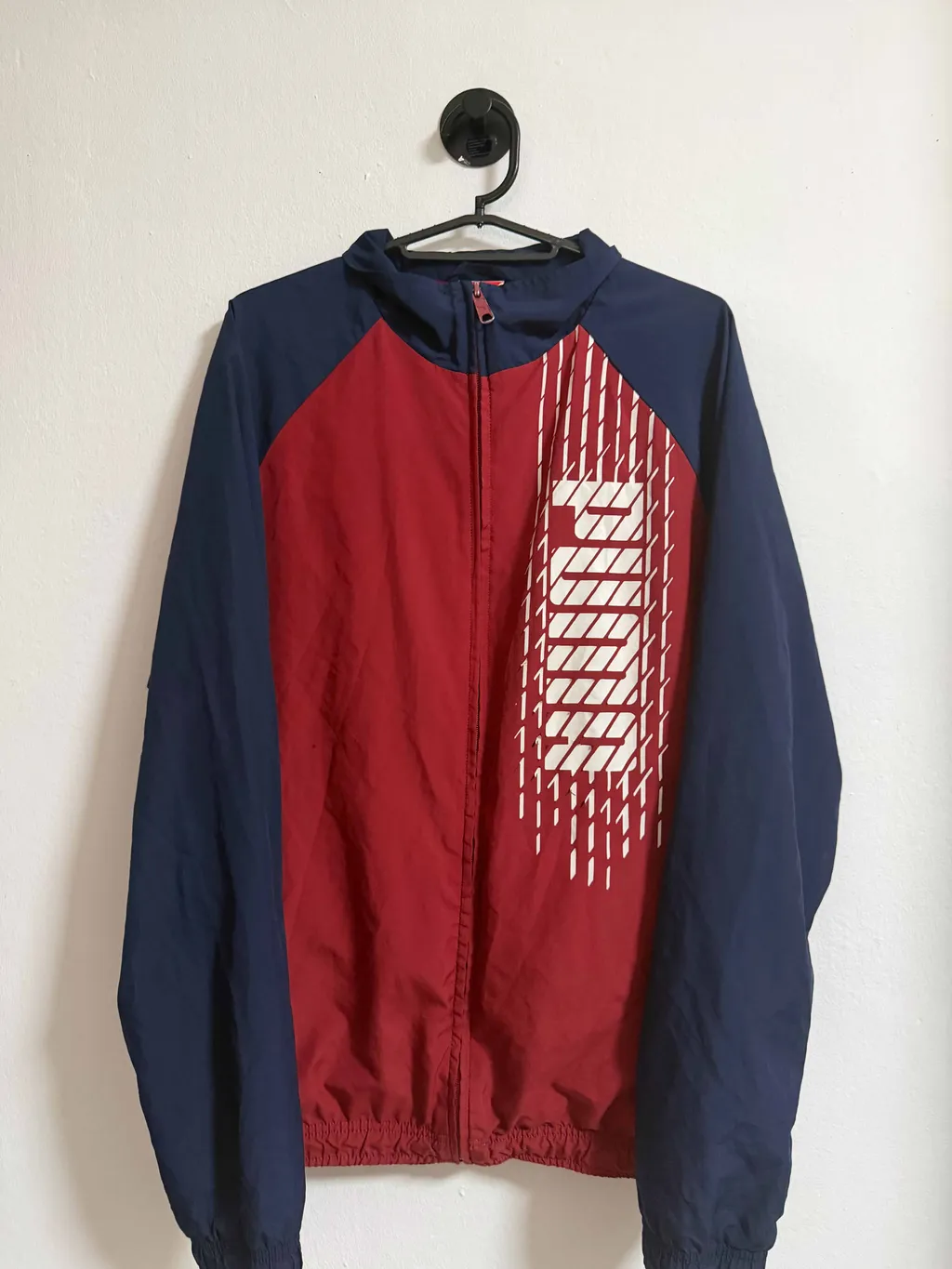
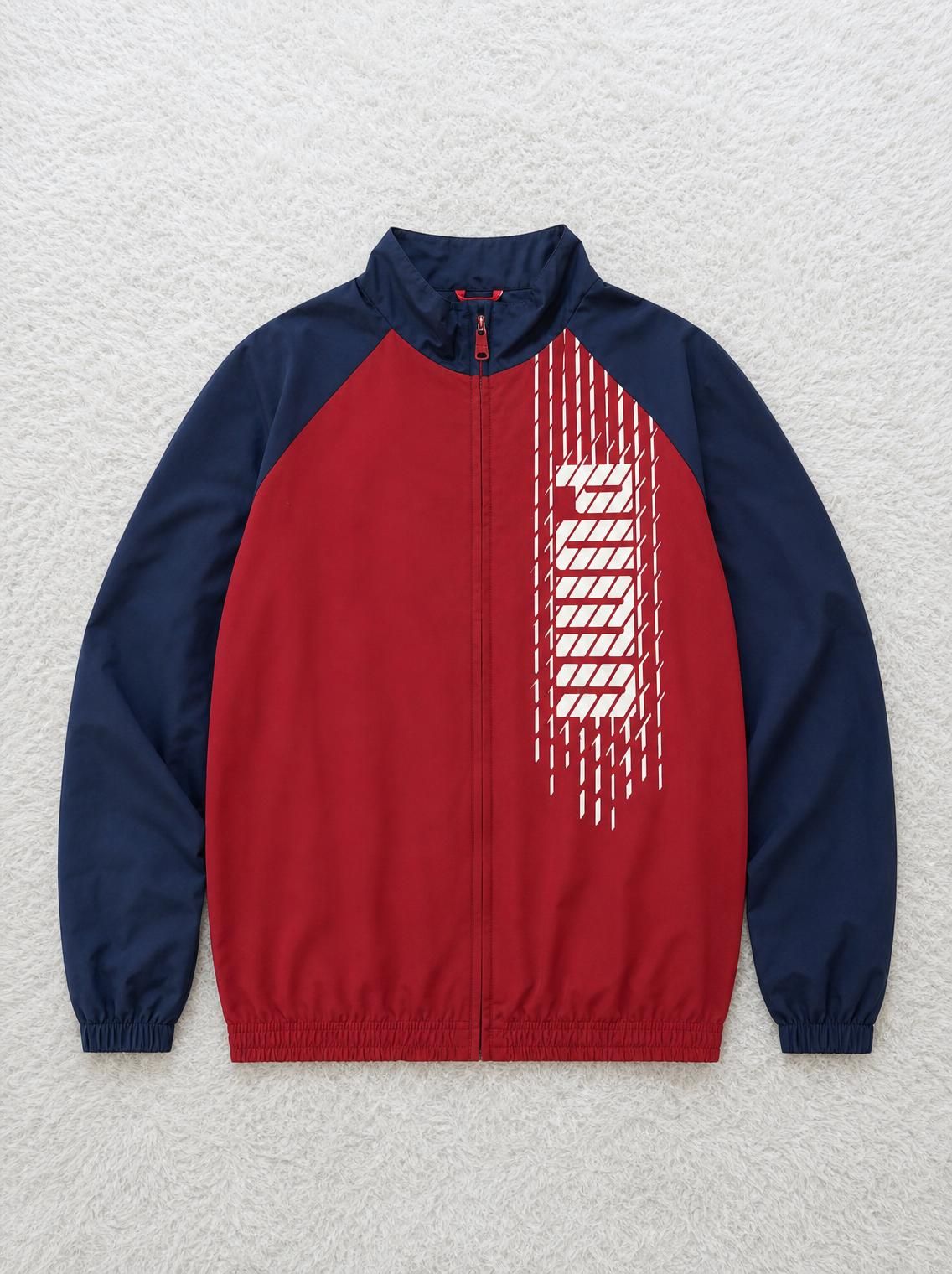
Bed-sheet backdrops, hallway lighting, a hanger on the door handle. Buyers judge in half a second, and scroll past.
My items don’t get enough views
Your listing lands on page nine of search. No early engagement, no algorithm boost, no eyeballs, no matter how good the item is.
Buyers offer me less than I want
“Best price?” messages at half your asking. An amateur-looking photo tells buyers you’ll take anything.
Items sit listed for weeks
Relisted again and again, watching other sellers move the same kind of item, at a higher price than yours.
Capabilities
What a clothing enhancer actually does
Three transformations, applied around the item and never to it.
Most used
Background enhancement
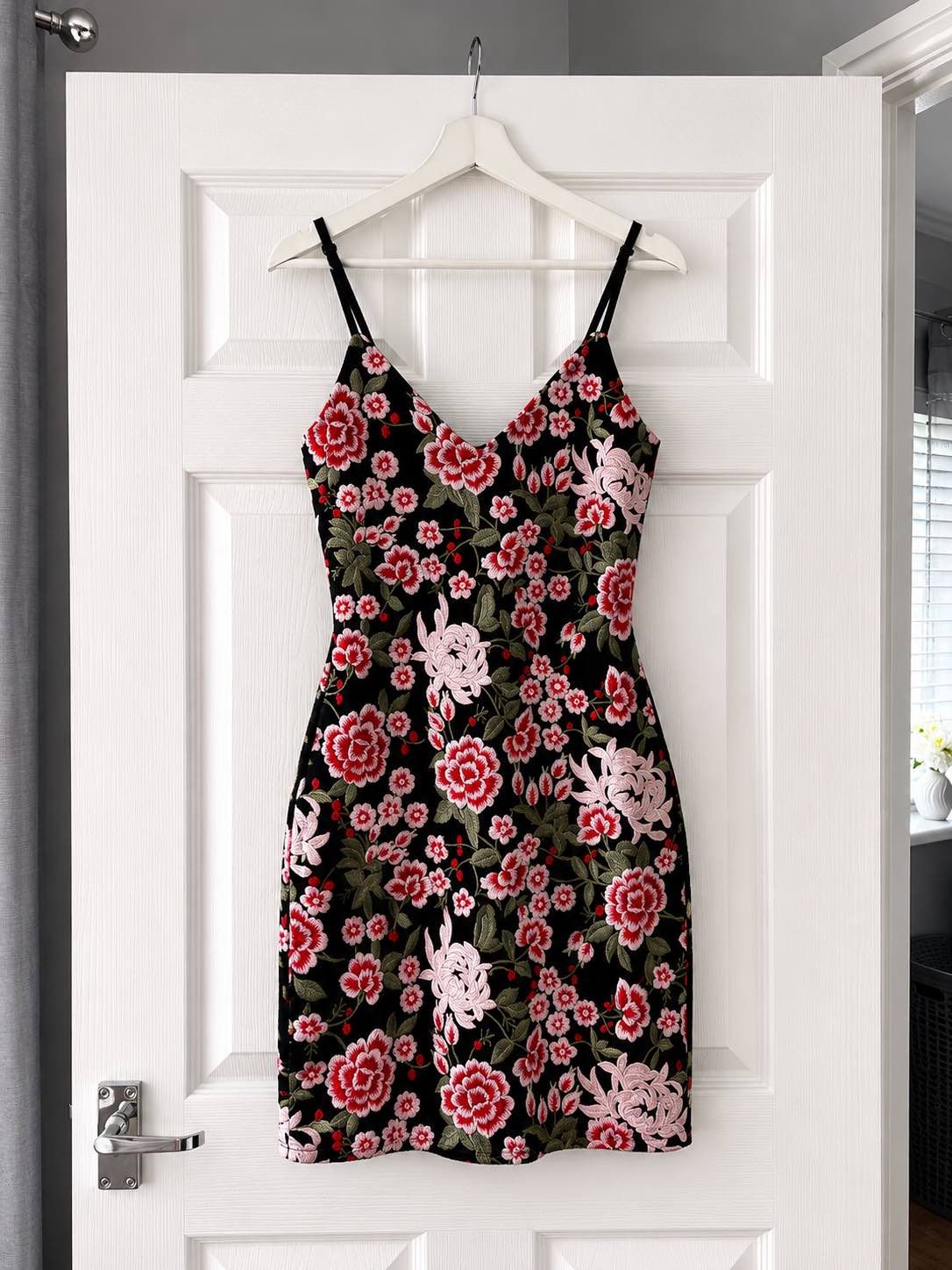
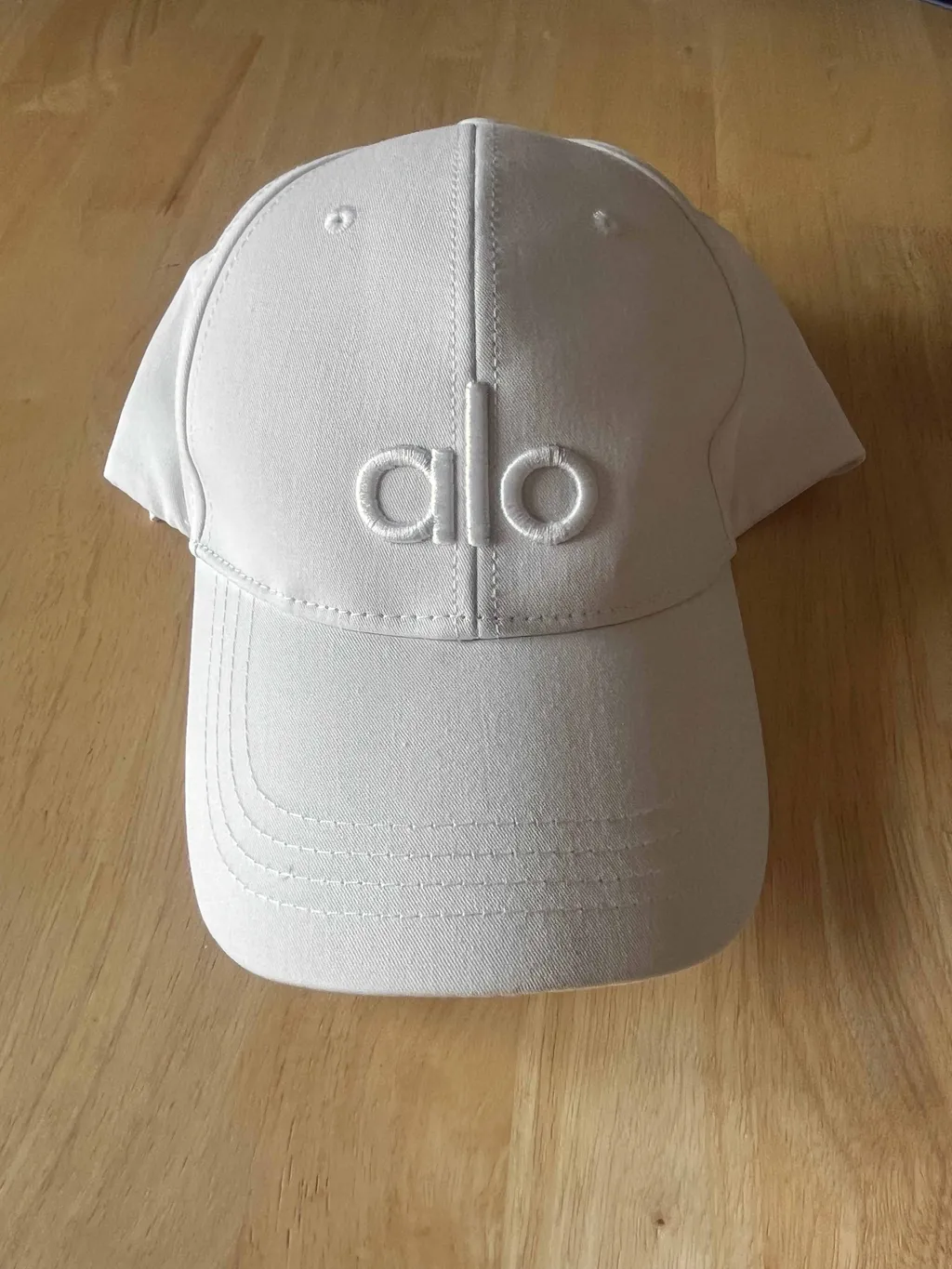
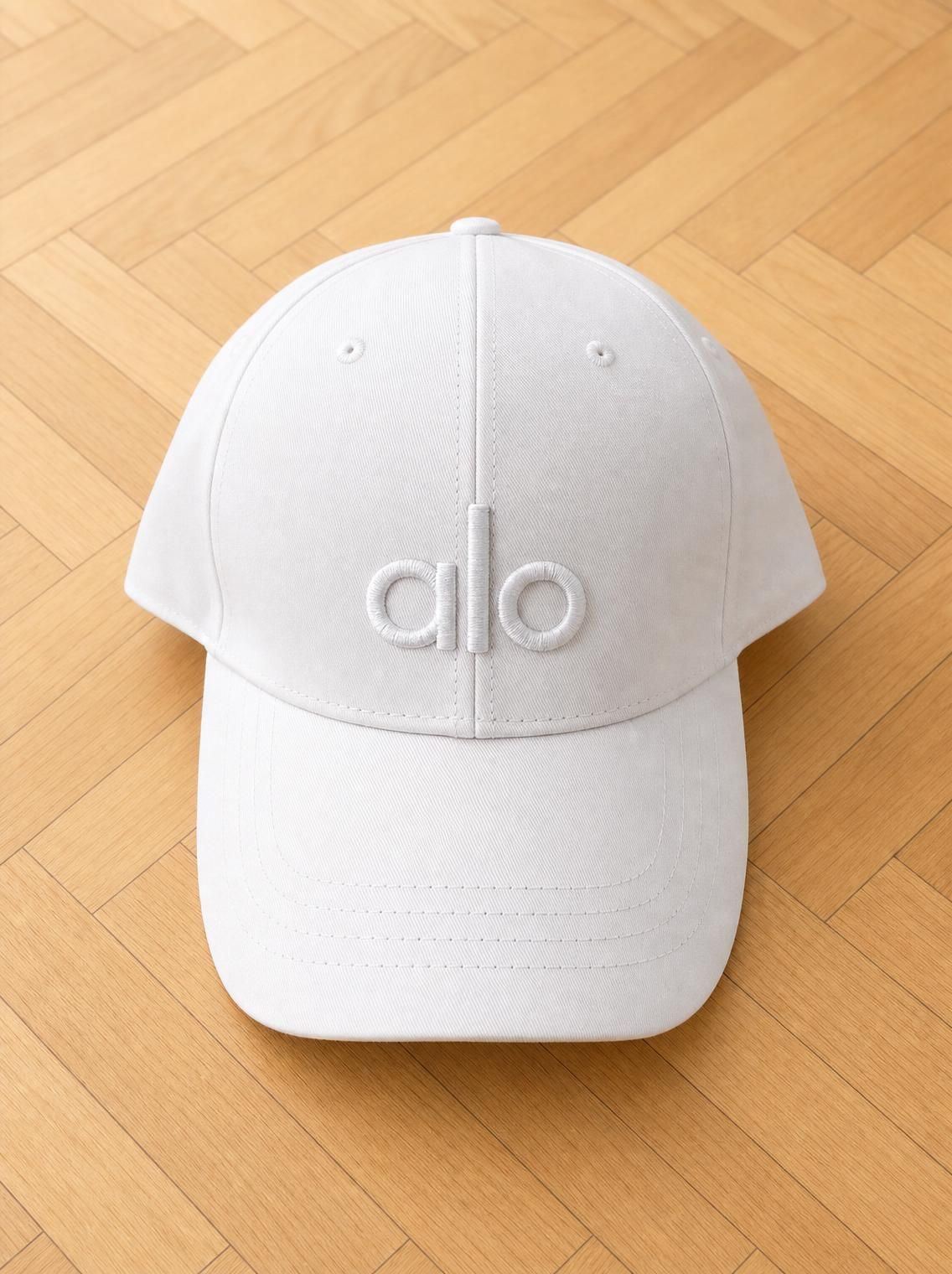
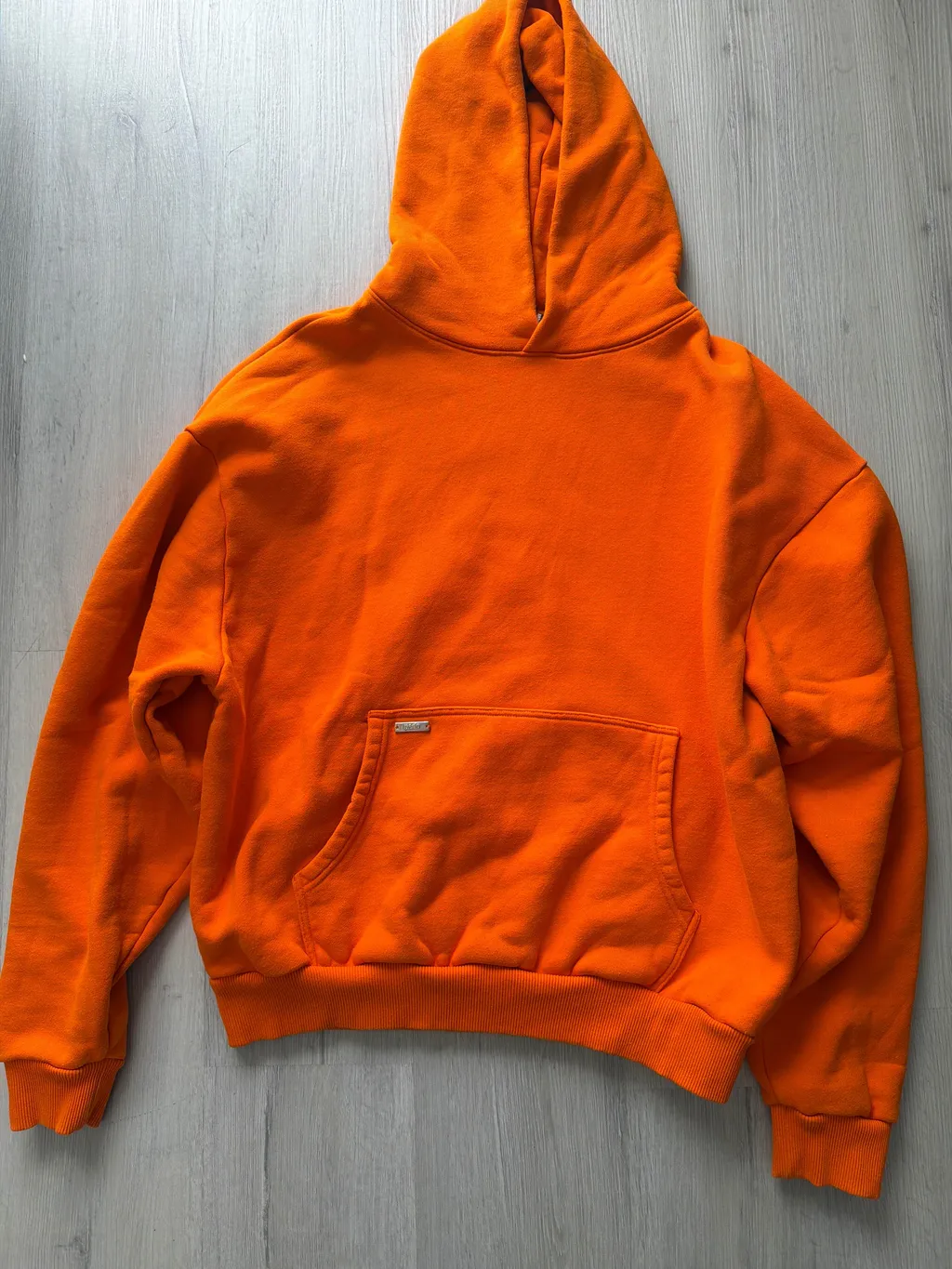
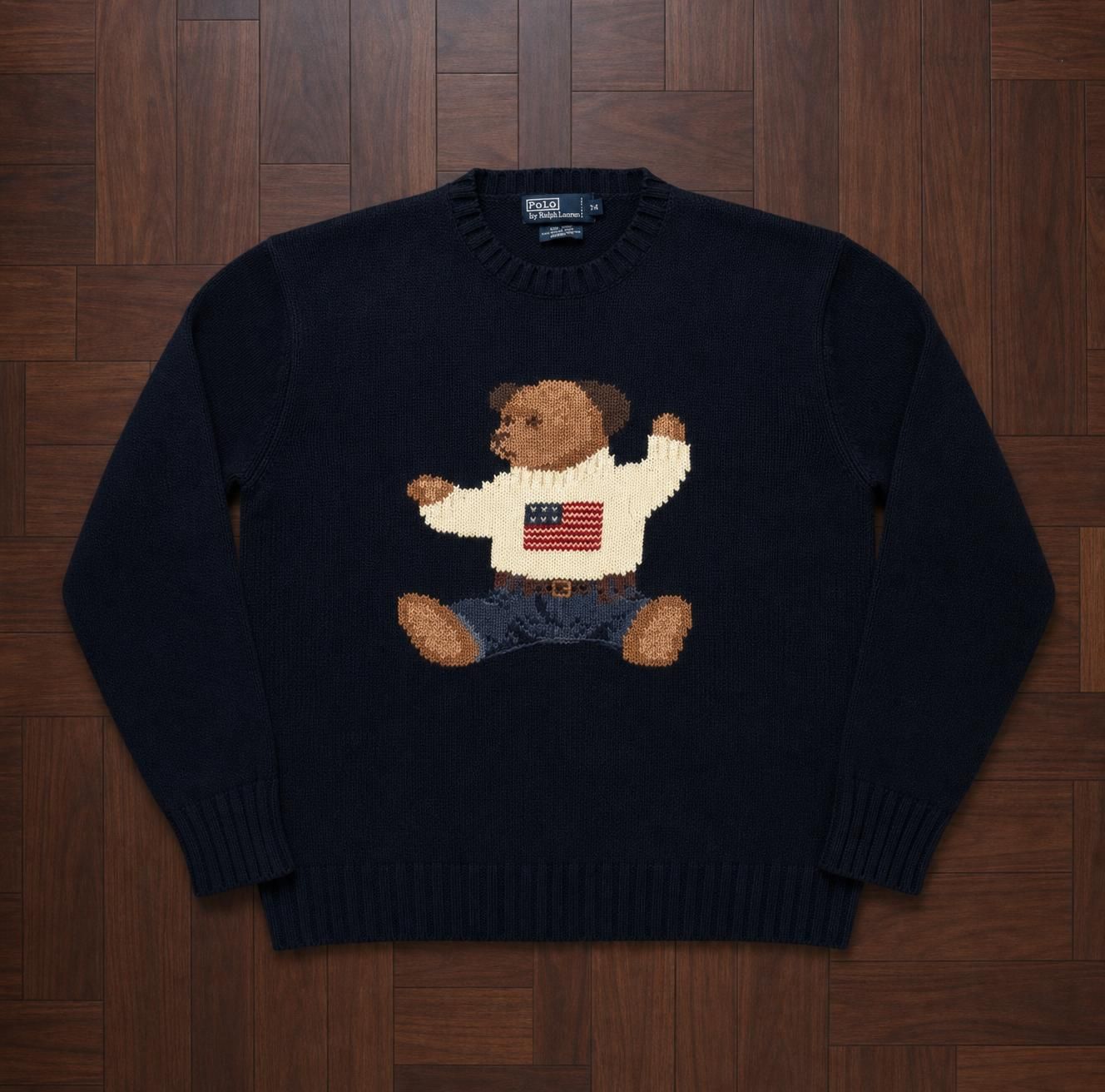
The most common use. AI detects the clothing item and replaces the background with a clean, professional studio look. Your messy bedroom becomes a white studio in seconds.
Works on any background: floors, beds, hangers, chairs. The AI segments the garment precisely and replaces everything else.
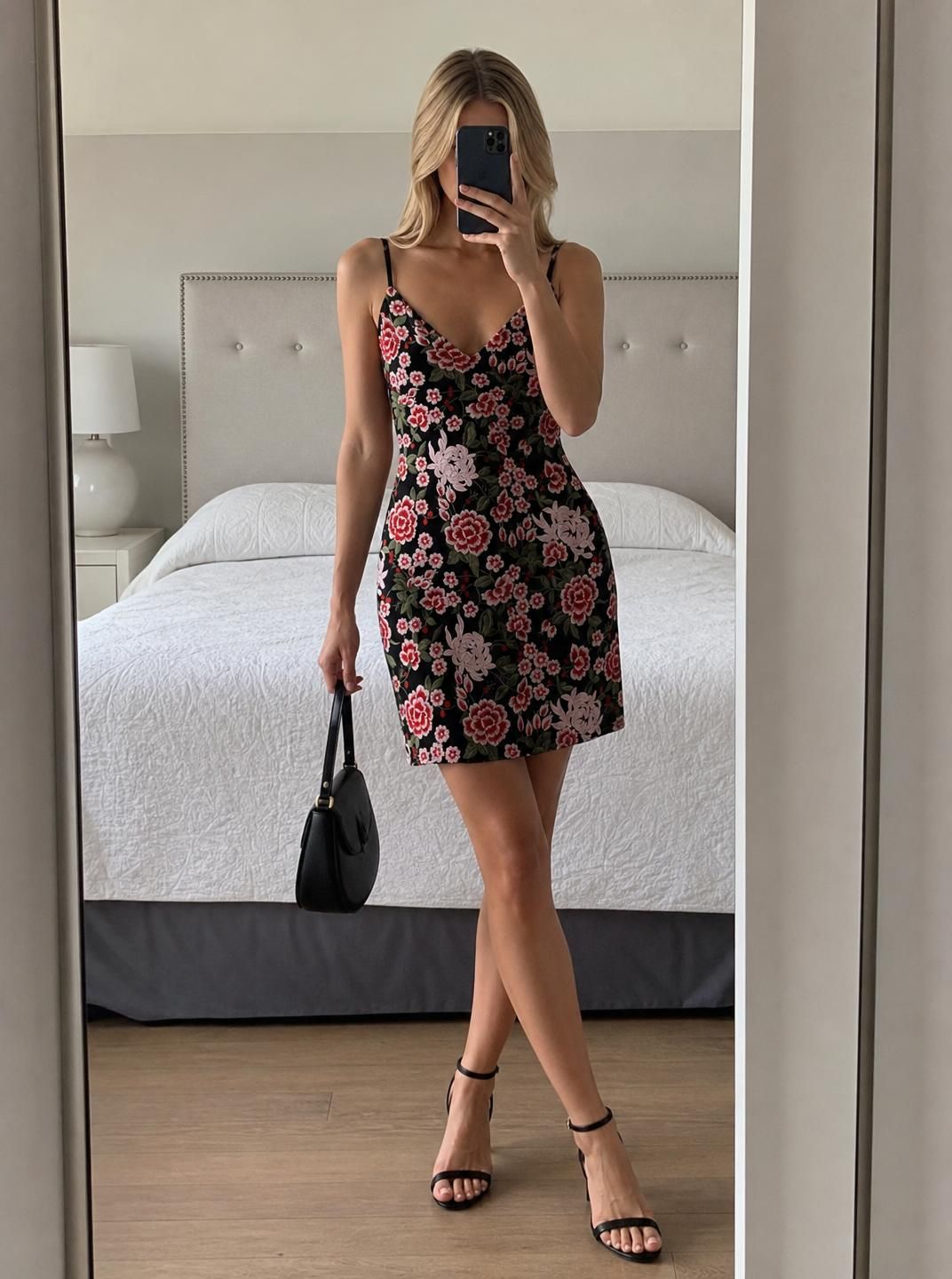
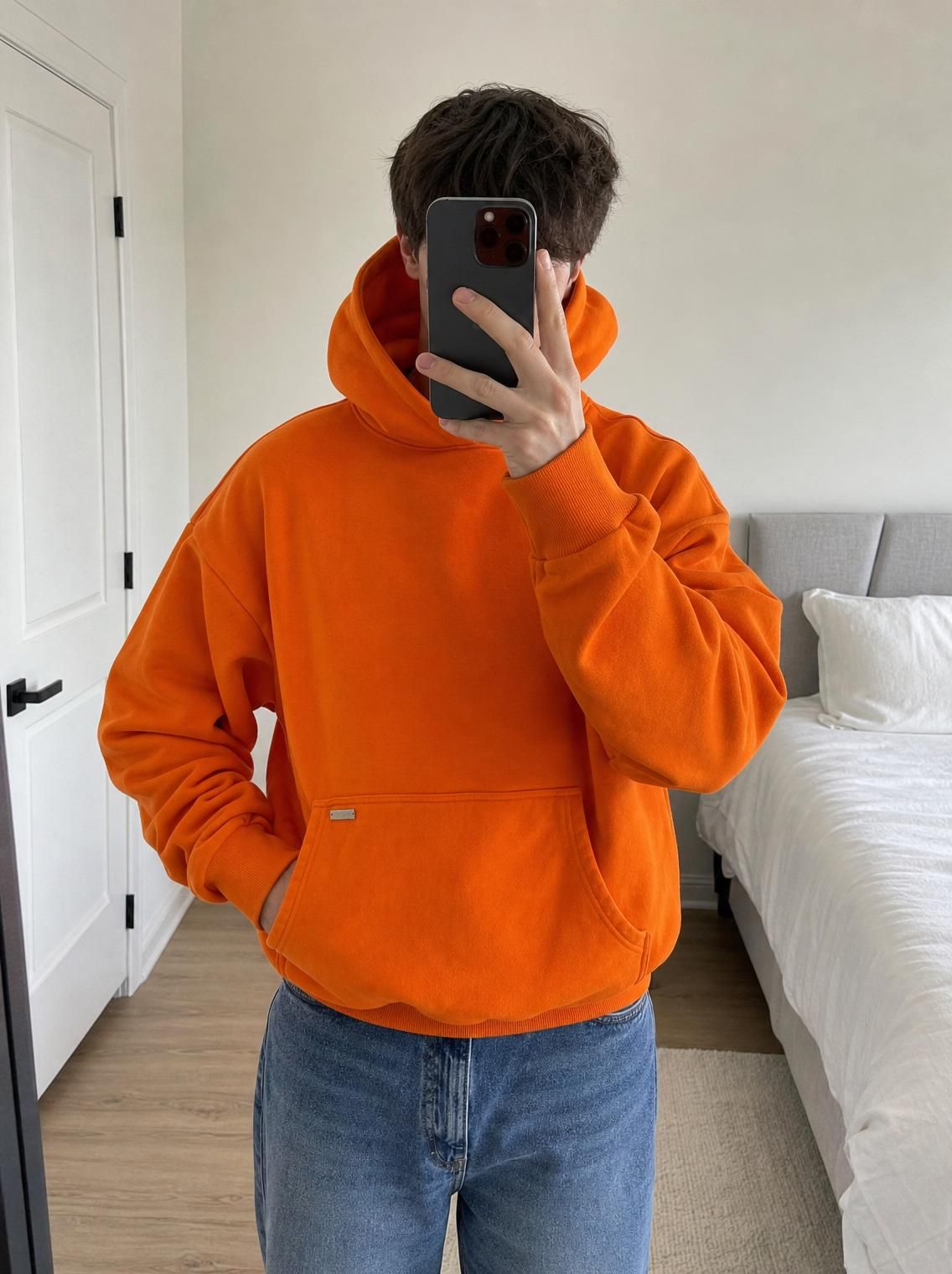
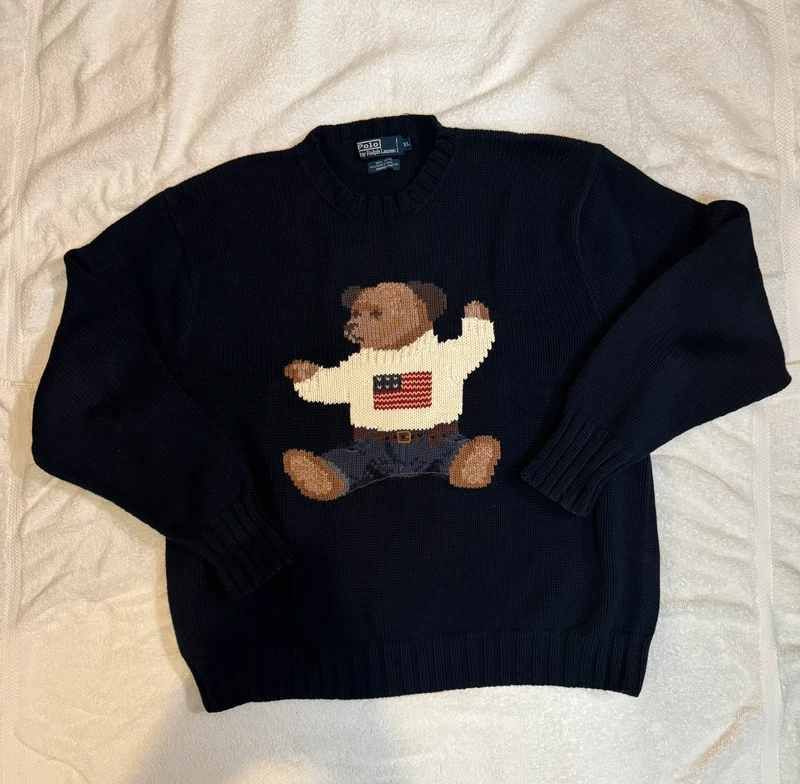
BeforeAfter
Virtual try-on
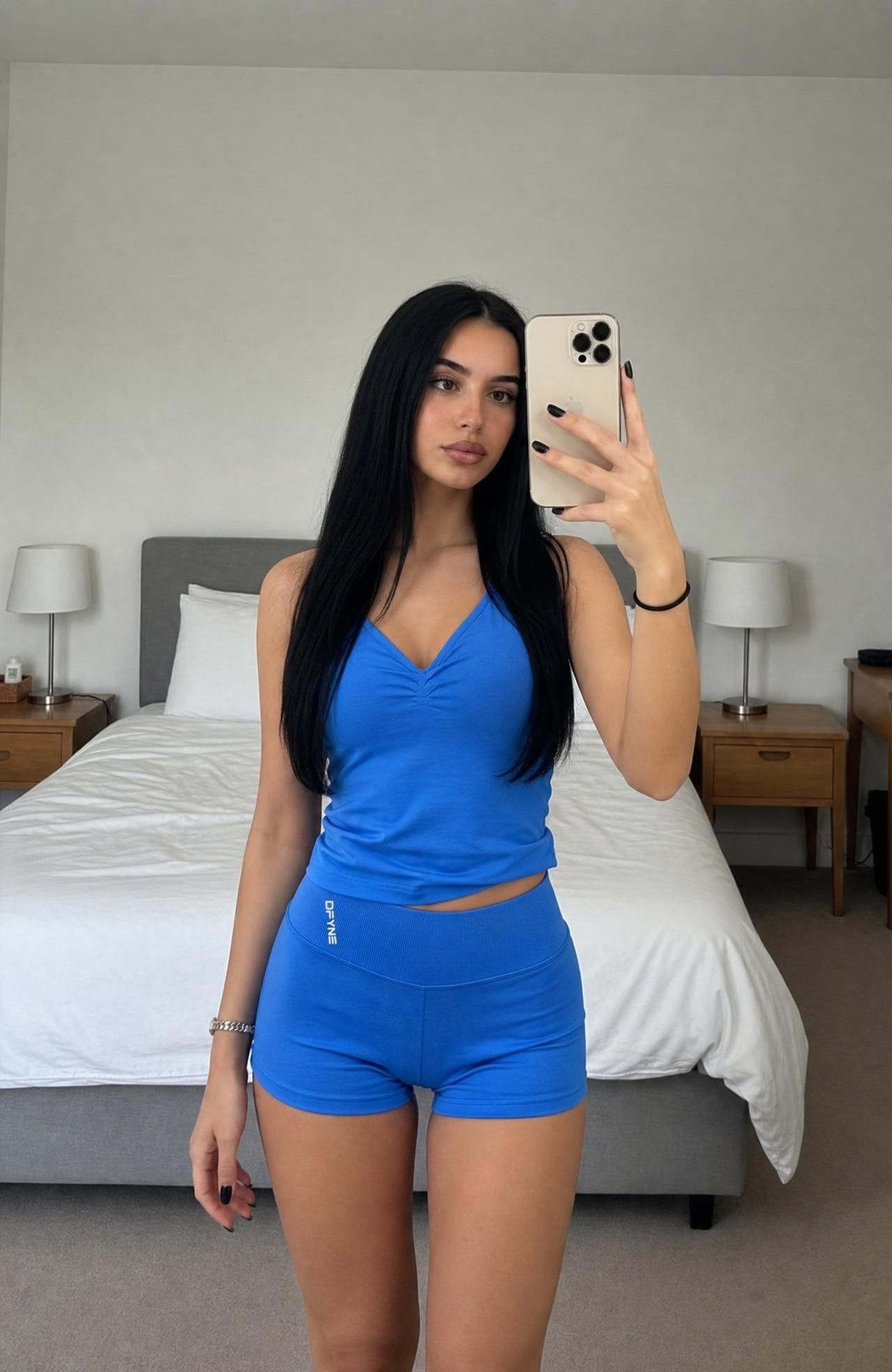
AI places the garment onto a realistic-looking model. A flat lay becomes an on-body photo without a mirror, a good spot or posing.
Lighting and clarity
AI corrects underexposed or harsh-flash photos. Brings out true colours and fabric detail without over-editing.
How it works
How AI photo enhancement works
Three steps between your phone photo and a listing that sells.
Step 1
Item detection
The AI scans your photo to identify and segment the clothing item precisely, separating it from the background at the pixel level.
Step 2
Enhancement applied
Depending on the mode, the AI replaces the background, generates a try-on, corrects lighting, or does all of the above to produce a studio-quality output.
Step 3
Ready to list
Your enhanced photo is ready to download and upload directly to your listing on Vinted, Depop, eBay, or any other platform.
Before and after
What actually changes in the photo
A clothing enhancer changes far more than just the background.
WhatTypical phone photoEnhanced with Vintefy
BackgroundCluttered bedroom or floor backgroundClean white or gradient studio background
LightingHarsh flash or dark shadowsEven, natural-looking lighting across the item
ShapeItem flat or crumpled with no shapeItem shown as worn on a realistic AI model
ColourColours slightly off from bad lightingTrue colours preserved accurately
FitNo sense of how it looks when wornBuyers can instantly see fit, drape, and style
Who it's for
Who uses a clothing enhancer
Different sellers use enhancement differently.
Full-time and part-time resellers
Resellers who process 20 to 100+ items per week use clothing enhancers to create consistent, professional-looking listings at scale. The time saving is the main driver: instead of spending 10 minutes per item on setup and editing, enhancement takes 30 seconds.
A consistent photo style across your entire shop also builds buyer trust. When every listing looks professional, buyers feel more confident purchasing without seeing the item in person.
Vintage and resale shops
Small vintage and resale shops selling on Vinted, Depop and eBay use clothing enhancement to keep every listing in the same clean style. There is no room to clear, no lighting to set up and no rail of stock to iron first.
When a new batch of stock comes in, the photos can be ready the same day, so items go live while they are still fresh.
One-off and wardrobe sellers
Even if you only sell clothes occasionally, a clothing enhancer makes the whole process faster and more likely to result in a sale. You do not need to find a good backdrop, set up lighting, or learn photo editing.
Take a quick snap, enhance it, and post. What used to take 30 minutes now takes 2 minutes per item.
Best practice
Getting the best enhancement results
01
Give the AI a clear input
The better your input photo, the better the enhancement. Even basic natural light and the full garment visible in frame gives the AI everything it needs.
02
Show the whole item
Include the full garment in the frame: sleeves, hem, collar, everything. If the AI cannot see a part of the item, it has to guess what to do with it.
03
Verify colour accuracy
Always compare the enhanced output against the real item. Colour must match exactly for accurate listings. If a colour looks off, use a better-lit input photo.
04
Supplement with real detail shots
Use your AI-enhanced image as the hero shot. Add real photos of the label, any flaws, and fabric close-up. The combination converts browsers into buyers.
Pricing
Studio quality from €0.17 per photo
No setup, no lighting, no ironing. About 30 seconds per photo, from €0.17 each.
Credits renew monthly. Cancel anytime. Secure payment via Polar.
FAQ
Frequently asked questions
Does a clothing enhancer change the actual item in the photo?
No. The clothing enhancer preserves the item exactly as it is: the colour, pattern, texture, and details all stay the same. Only the background, lighting environment, and presentation are changed. You should never use enhancement to hide real flaws.
Is AI photo enhancement misleading to buyers?
Not when used correctly. Removing a cluttered background and showing an item on a model is no different from what every professional brand does. The item itself must be shown accurately. What you cannot do is hide stains, holes, or defects. Always show real condition photos alongside your enhanced hero shot.
What types of clothing work best with enhancement?
Solid-colour tops, hoodies, jackets, dresses, and trousers all enhance very well. Highly patterned items and graphic tees with complex text can sometimes be trickier, but modern AI handles these much better than it did a year ago. Shoes and accessories also enhance well, especially with background removal.
How much does AI clothing enhancement cost?
Vintefy costs €0.17 to €0.32 per photo depending on the plan, with no setup, lighting or ironing and about 30 seconds per photo. For occasional sellers, the Starter plan (60 photos a month for €19) covers most needs. For high-volume resellers, bigger plans bring the cost per photo lower. Plans renew monthly and you can cancel anytime. Compare that to the extra sales a better main photo can bring and the return is clear.
Ready when you are
Enhance your clothing photos today
Vintefy is the AI clothing enhancer used by thousands of resellers. Upload any photo and get a professional listing image in 30 seconds.