For Poshmark sellers · checked November 2026
Poshmark photos that sell
Poshmark now shows every cover as a 3:4 portrait. Here are the rules, the shot list and the phone tips, and how Vintefy turns one casual photo into an on-model or clean-background cover in about 30 seconds.
- About 30 seconds per photo
- Plans from $19 a month
- No watermark on any plan
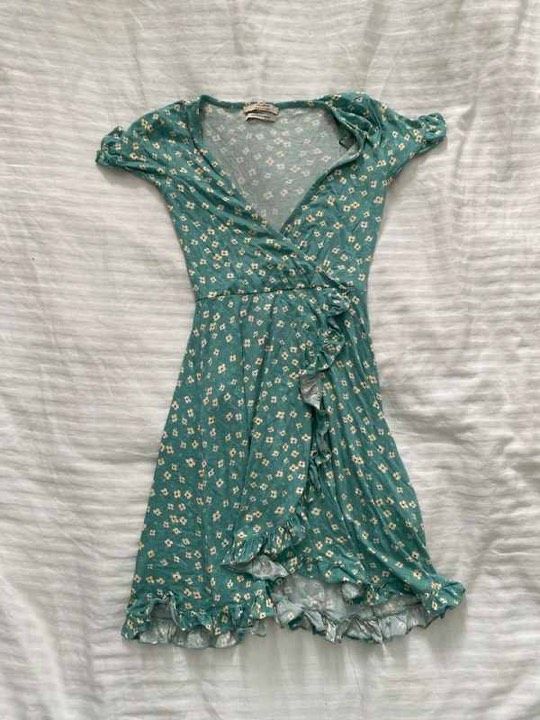
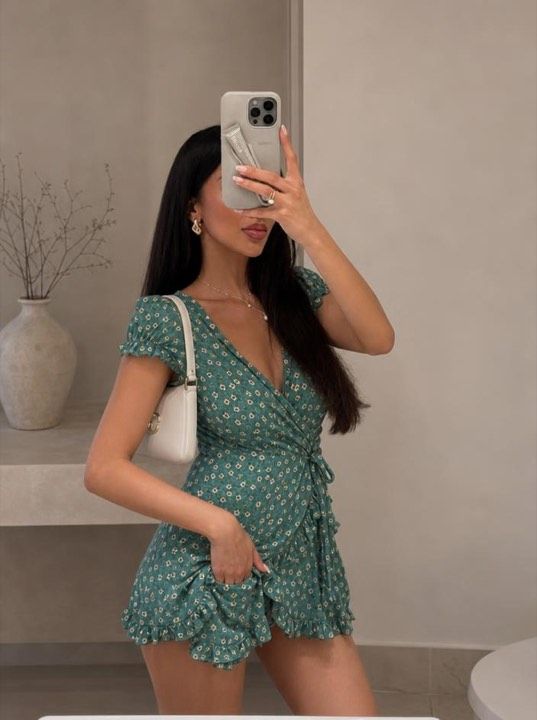
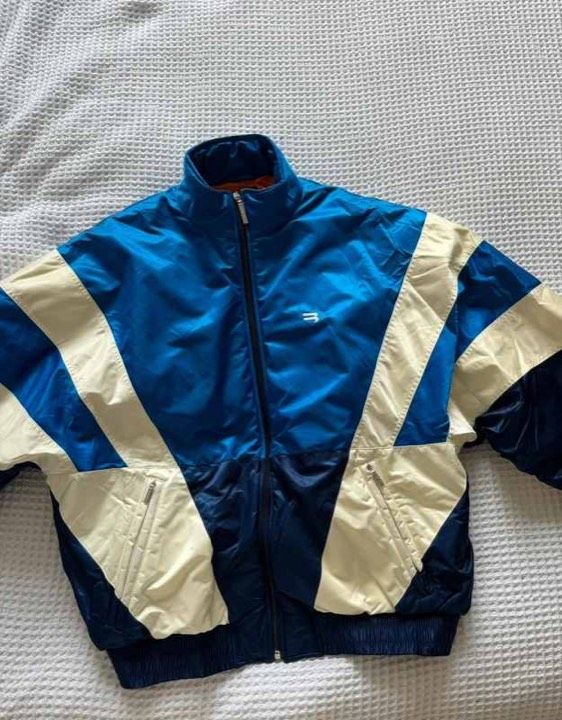
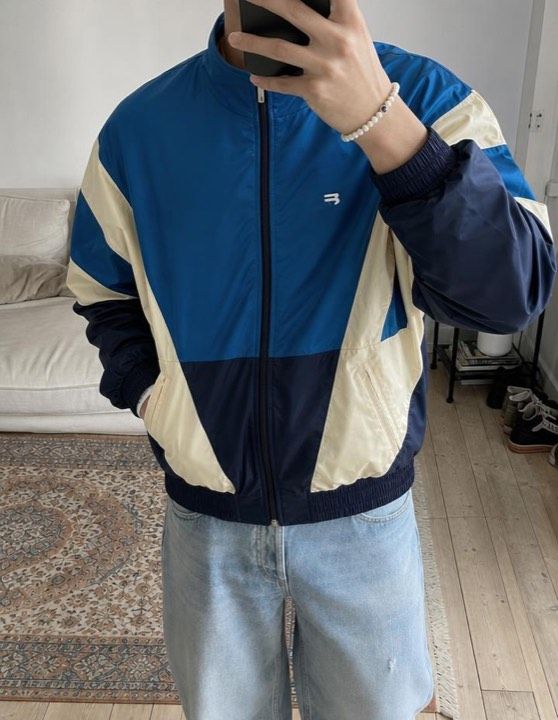
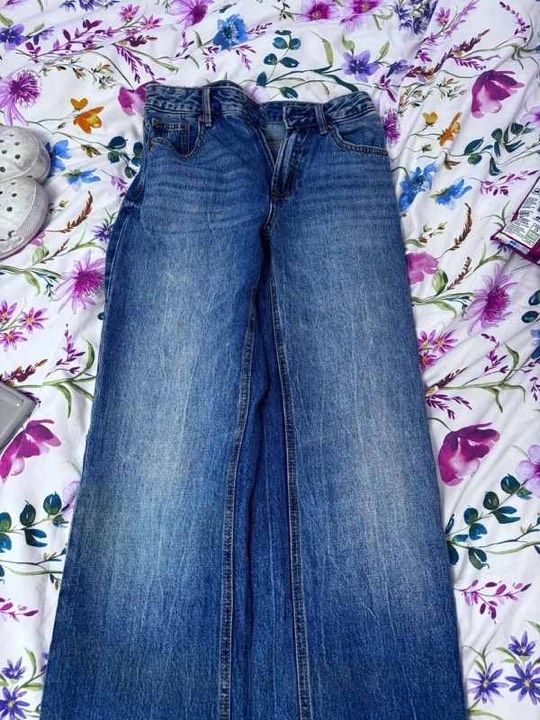
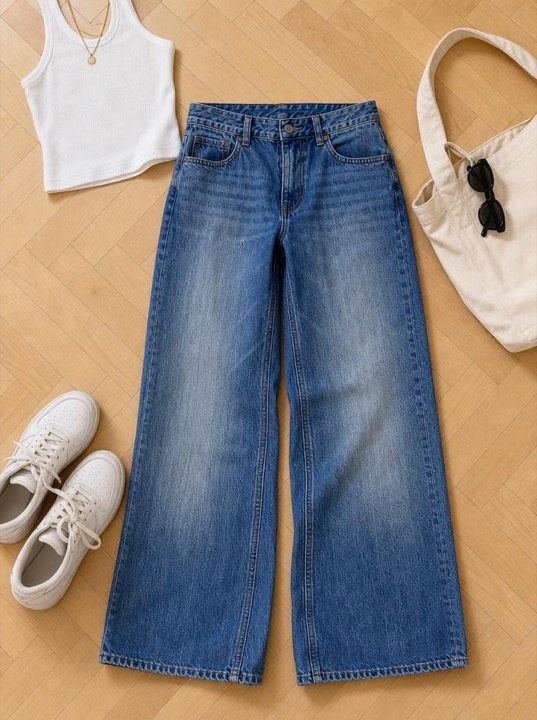
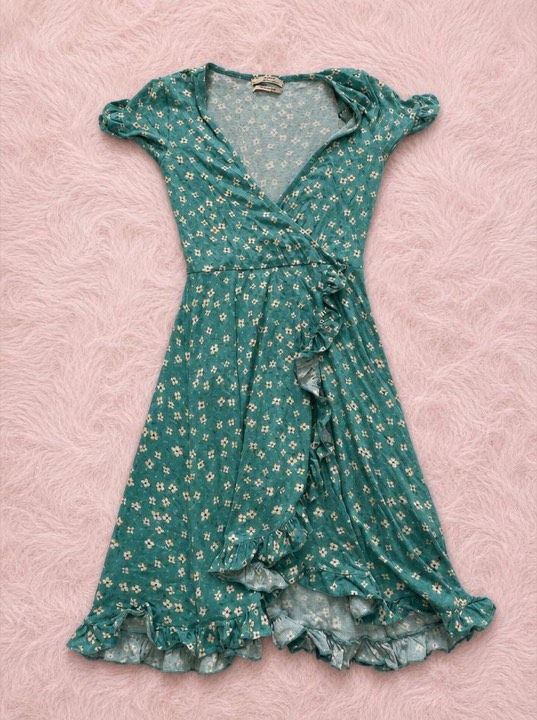
Floral wrap dress · On a model · real Vintefy output
Poshmark photos in 2026
The short answer
In four points
- Poshmark has shown covers as 3:4 portraits since March 25, 2026, so shoot with your phone upright in its standard photo mode.
- A listing takes up to 16 photos and 1 video, and the first photo is the cover shoppers see in the feed and in search.
- Center the item, fill the frame and don’t cut off hems, sleeves or straps.
- Use your own original photos, and skip collages or heavy effects that hide the condition.
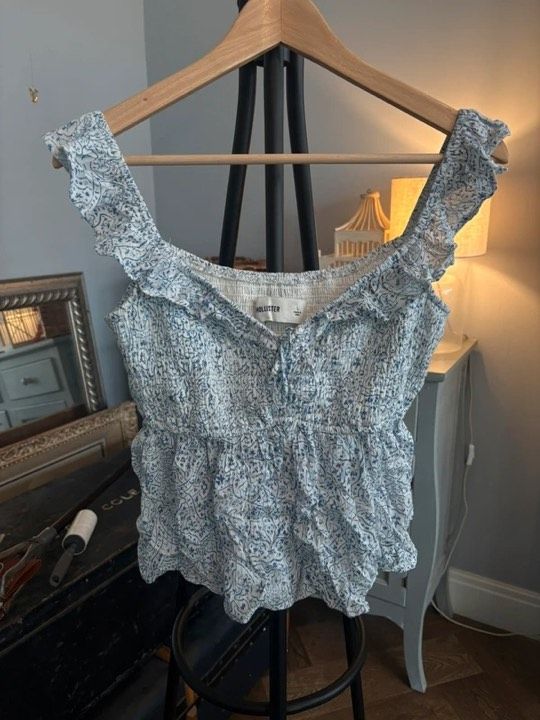
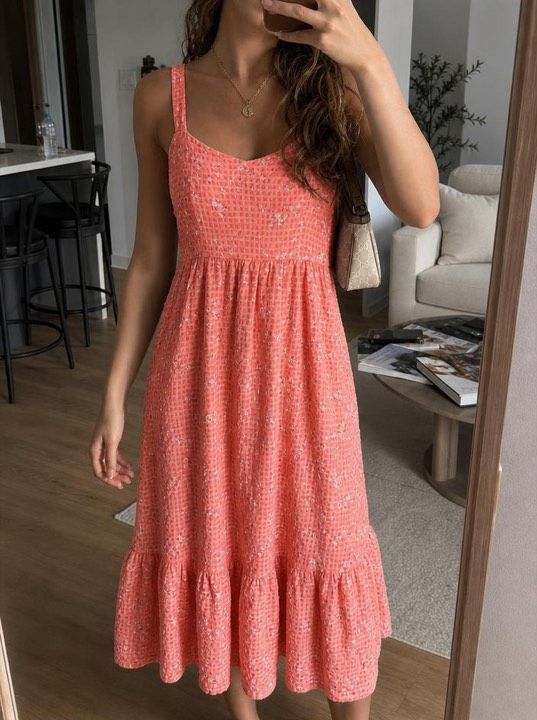
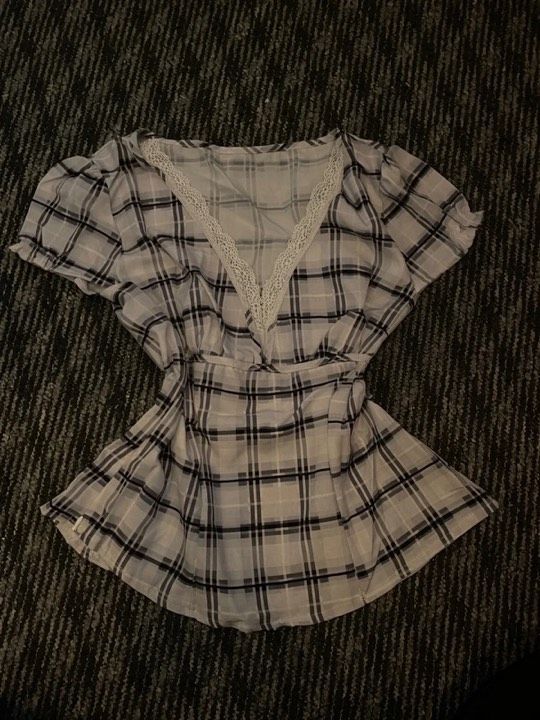
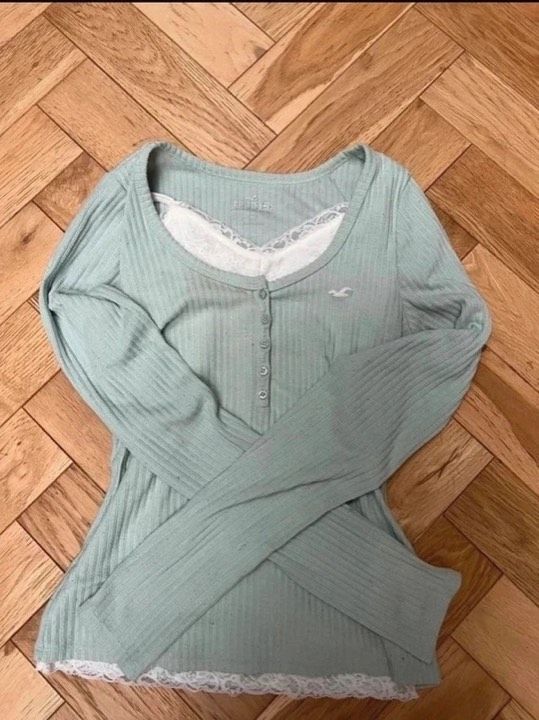
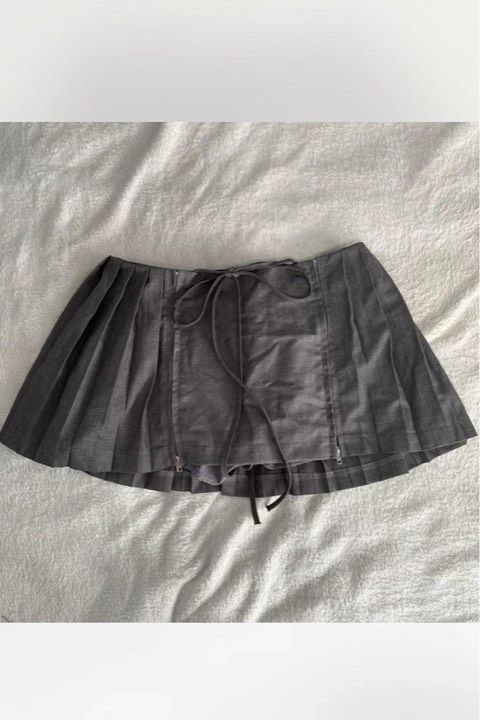
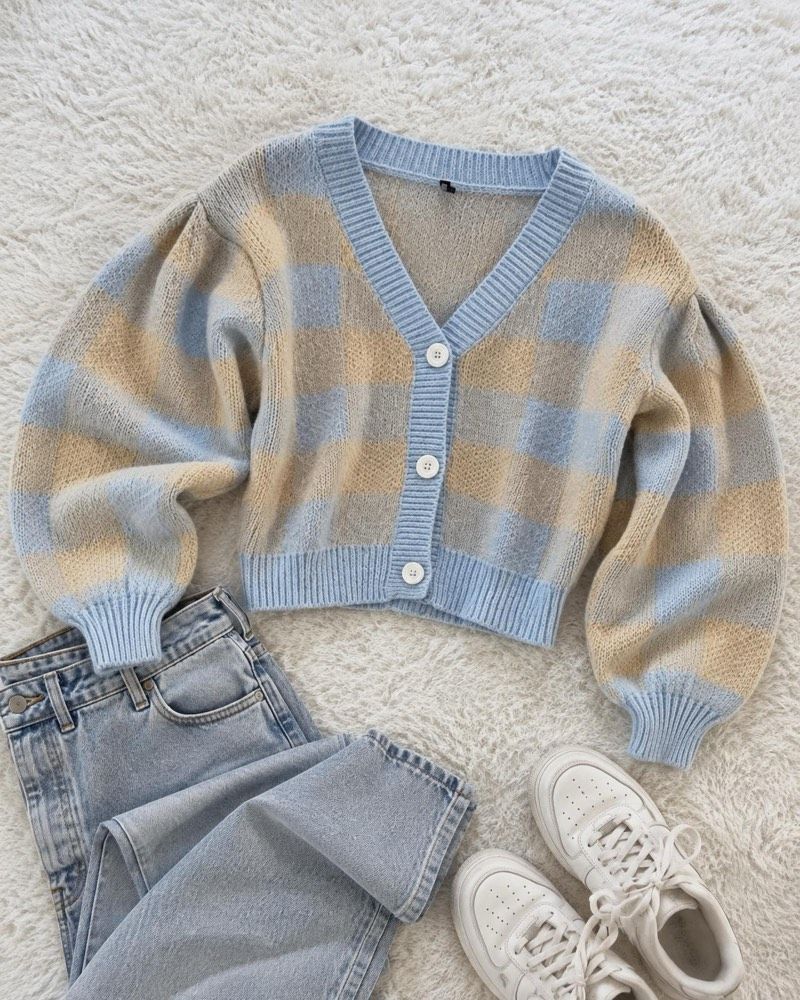
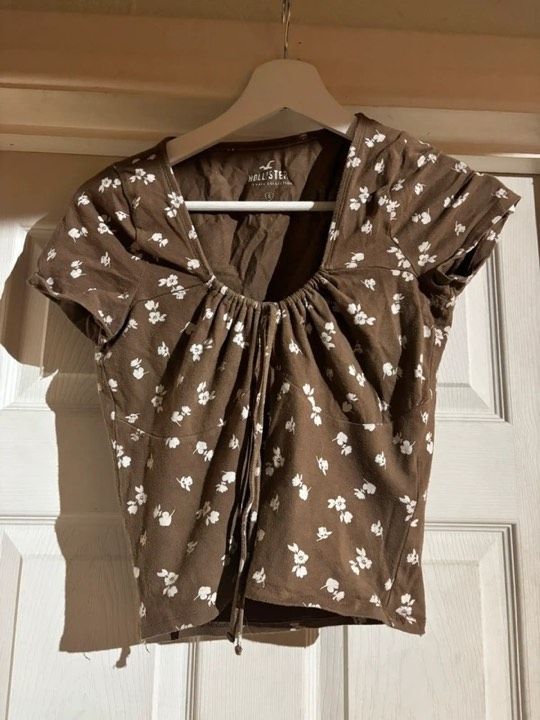
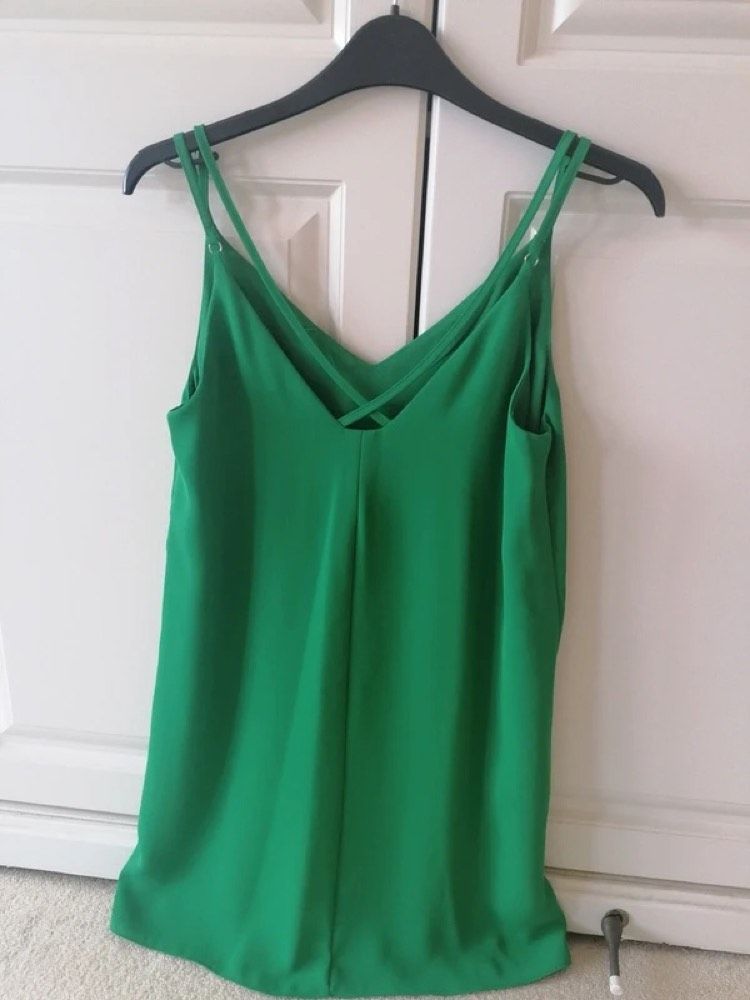
Poshmark photo size: covers are 3:4 portraits now
On March 25, 2026, with its redesigned app, Poshmark switched cover photos from square (1:1) to portrait (3:4) in the feed, in search and across the app. Poshmark says it tested portrait photos with shoppers first and found that “these larger photos drove positive results”, and that dresses, pants and full outfits now “appear larger and more detailed”.
Poshmark publishes no pixel size. Shoot with your phone upright in its standard photo mode, which Poshmark says “already captures photos in portrait format”, and there’s nothing to crop. On desktop, Poshmark frames each photo in portrait automatically, and its crop and zoom tools adjust what shows.
Your old square photos still work. Poshmark frames them into portrait, “which may slightly adjust square photos”, and shoppers see the full original when they open the listing. Updating them is optional.
Poshmark’s own portrait tips
- Center your item vertically and horizontally
- Fill the frame with your item (full-length or close-up)
- Leave a slight space around the edges
- Show the full item (avoid cutting off key parts like hems, sleeves, or straps)
1:1 square
The cover shape until March 2026
3:4 portrait
The cover shape since March 25, 2026
Poshmark photo rules
What Poshmark’s policies and blog actually require, checked November 2026. Everything else on this page is advice.
Photos per listing
Up to 16 photos and 1 video. A cover photo is required.
Poshmark listing editor
Cover format
3:4 portrait since March 25, 2026 (it was square). Square photos are framed into portrait automatically.
Main photo
“The item for sale should be clearly represented in the main photo.”
Original photos
Listings should include “your original photos of the items”, plus the condition and any flaws.
Other people’s images
“Do not upload any images that you didn’t take”, or that you don’t have the rights to use. That rules out stock and brand photos.
Editing
Avoid editing that makes the condition hard to judge, “such as collages or heavy special effects”.
AI photos
No AI-specific rule. Poshmark’s own Smart List AI is being updated to add “polished photos” and “an AI-selected cover photo”.
Disputes
Photos and descriptions you share in comments or Posh Shows can be reviewed by Poshmark staff in a dispute.
Pixel size
None published. The shape matters: 3:4 portrait.
Vintefy note
Two rules matter most. The photos must be yours: a brand or catalog image, even of the exact item, isn’t allowed. And no editing that hides the condition: you can show the item at its best, not change its color, wear or shape. Show the flaws, describe them, and the buyer knows what’s coming.
How to take pictures for Poshmark
Poshmark suggests at least five photos per listing, “but the more the better”. This order answers buyers’ questions before they ask.
- 1
Cover
The whole item from the front, centered and filling the frame. Worn, or on a model, shows the fit best.
- 2
Back
The whole item from behind, framed the same way as the cover.
- 3
Brand tag
Sharp and readable. Buyers search by brand, and the tag backs up your title.
- 4
Size and care tag
Size and fabric content. On New With Tags items, Poshmark recommends a clear photo of the tag.
- 5
Fabric close-up
Texture and true color in daylight, especially for knits, denim and prints.
- 6
Every flaw
One close-up per stain, pull, pilled patch or hole, and a line about each in the description.
- 7
Details
Buttons, zippers, hardware, lining and soles: wherever wear shows first.
- 8
Measurements
The item flat with a tape measure across the chest, waist or length. Fewer fit questions in the comments.
- 9
Video
One per listing. Turn the item around or show how it moves.
Writing the listing too? Our guide to selling on Poshmark takes you from your first listing to payout.
Poshmark photography tips without good light or space
All of this works with a phone, a window and a door.
One window, in daylight
Shoot near a window during the day with the ceiling light off. Poshmark itself says to “skip the overhead bathroom lighting”. Keep the flash off too: it flattens fabric and shifts colors.
A plain backdrop you already have
Poshmark’s own list: “A plain wall, a wooden floor, a simple hanger.” Before you shoot, check all four corners of the screen for bags, laundry or the edge of the bed.
A hanger on a door
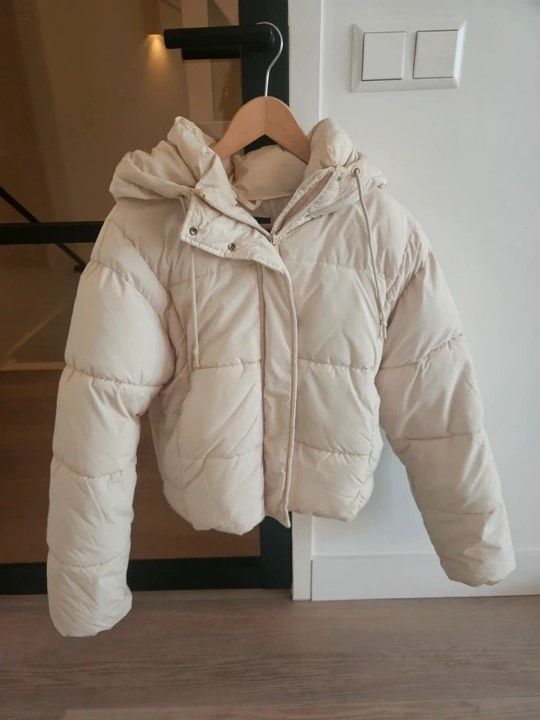
No room for a flat lay? Hang the item from the top of a light-colored door next to the window. It hangs upright, so it fills a portrait frame on its own.
Phone upright, at mid-height
Hold the phone straight at the middle of the item and step back instead of tilting or zooming. Tap the item on the screen to focus, and wipe the lens first.
Smooth it out first
Creases look like wear at feed size. A steamer, or a few minutes hanging in a steamy bathroom, usually does it.
Same spot, every listing
Poshmark suggests consistent angles “for a more polished look”. Same door, same window, same time of day, and your closet looks put together.
No light, no space, no one to model it? Make the cover with Vintefy.
Take the photo however you can. Vintefy turns it into an on-model or clean-background cover in about 30 seconds.
- Step 1
Take one photo of the item
On a hanger, on the bed, on the floor. Daylight helps but isn’t required. Get the whole item in the frame.
 Step 2
Pick On a model or Studio
On a model shows your item worn by a realistic model. Studio puts it on a clean background. Vintefy also writes the title and description in English and suggests a price.
$28
Floral wrap dress · S
Step 3Make it your Poshmark cover
About 30 seconds later, download it, with no watermark. Add it as photo 1, adjust the framing with Poshmark’s crop and zoom, then add your own photos of the tag, flaws and details.
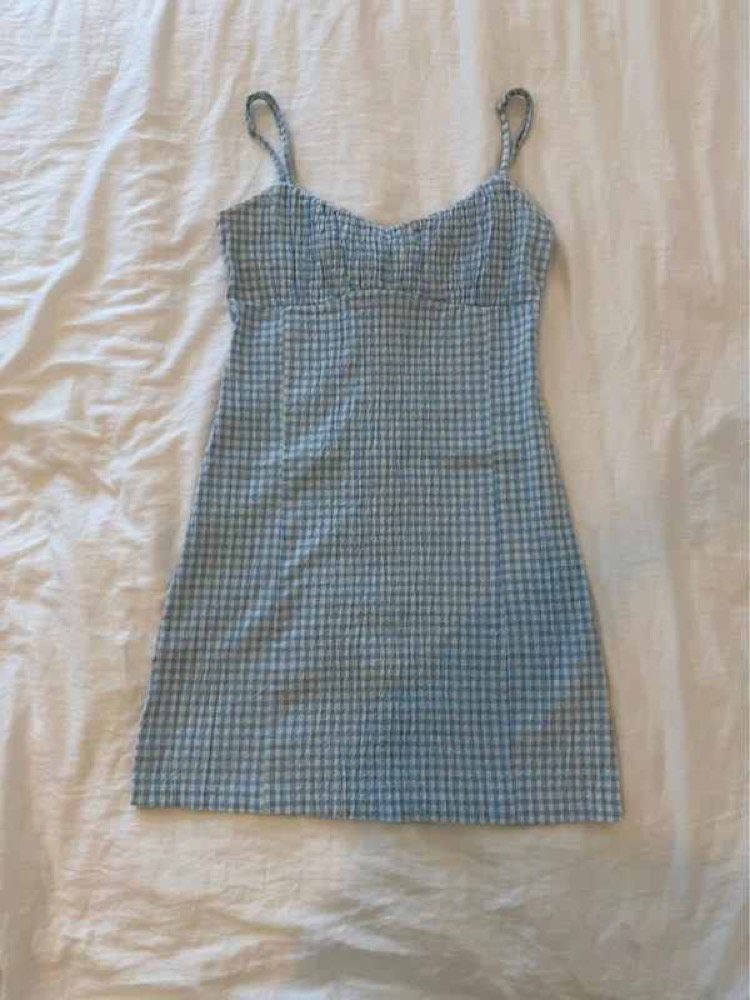
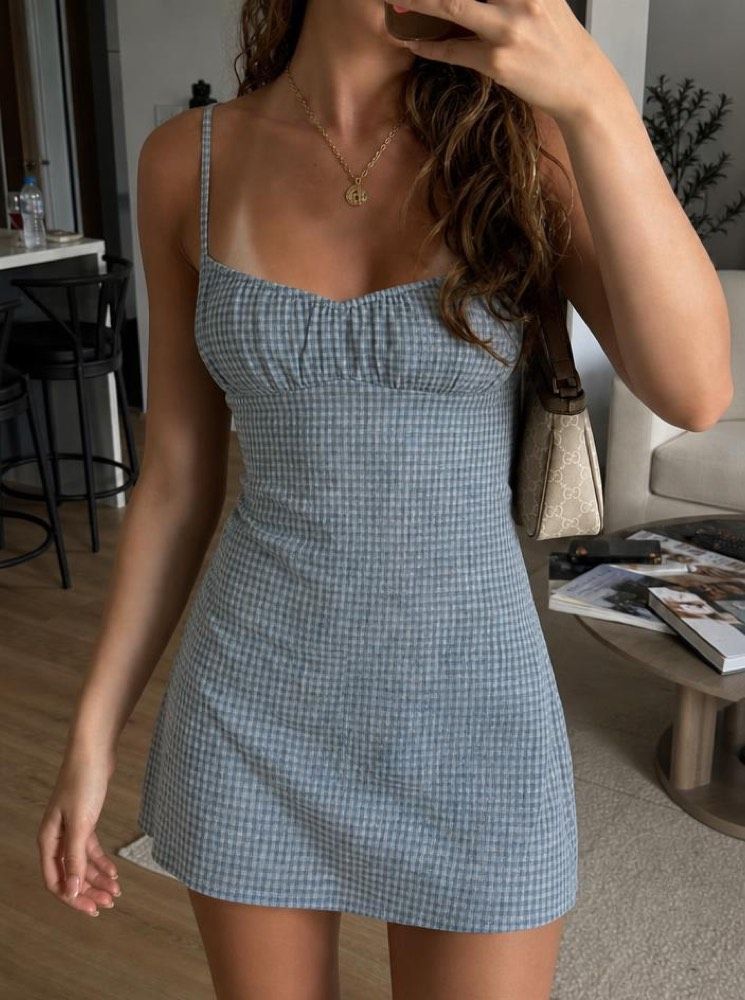
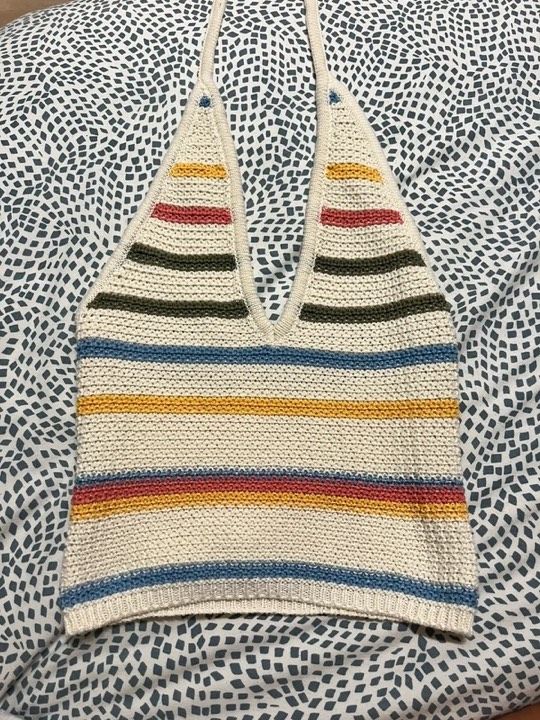
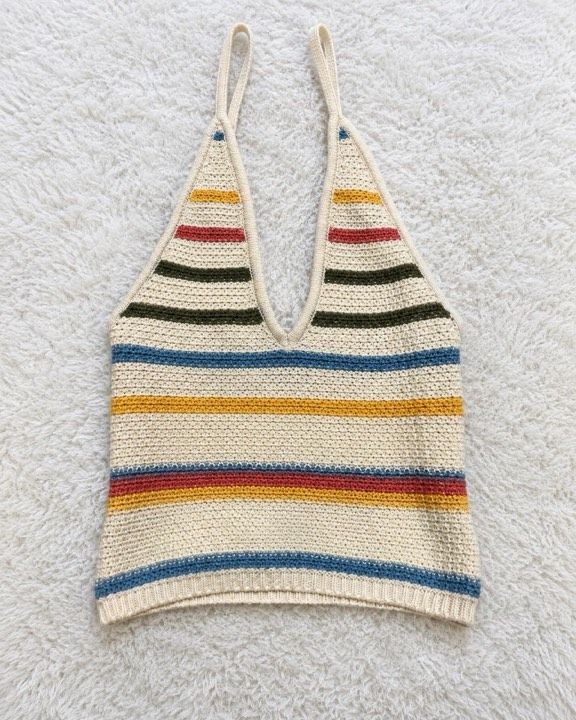
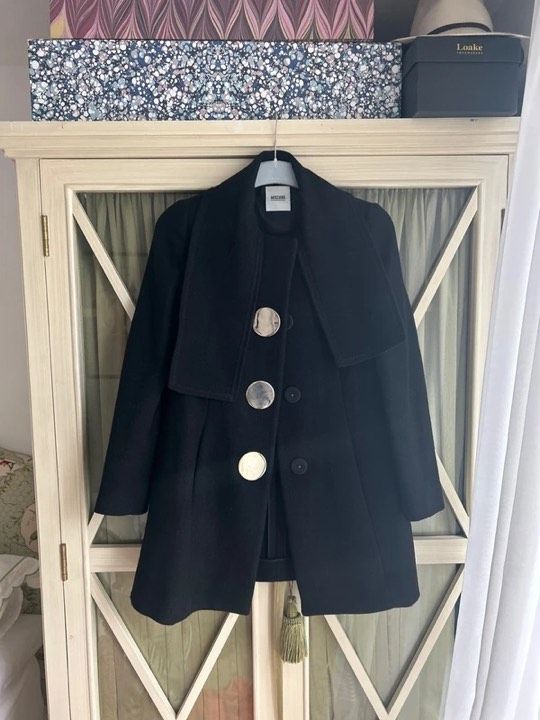
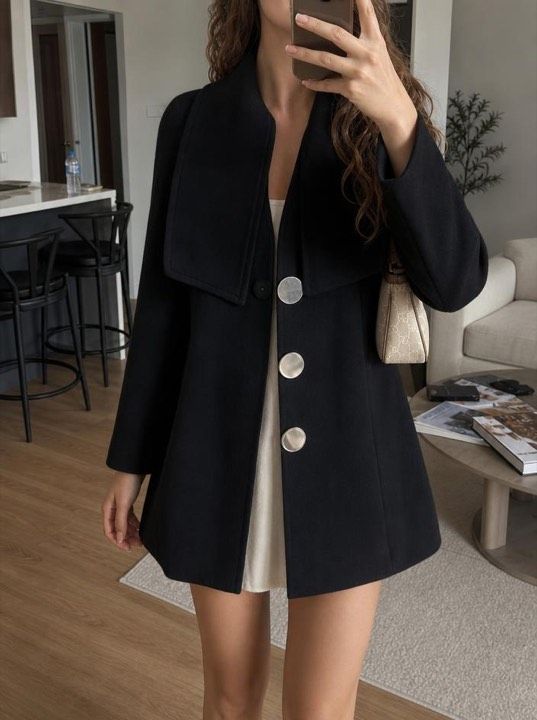
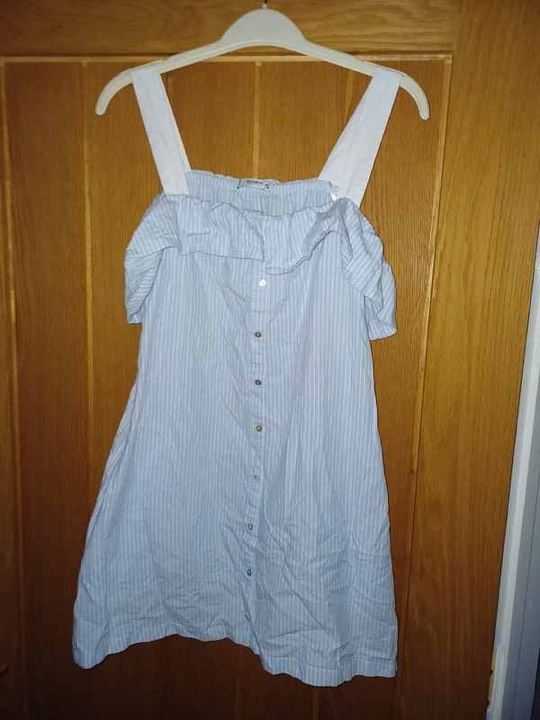
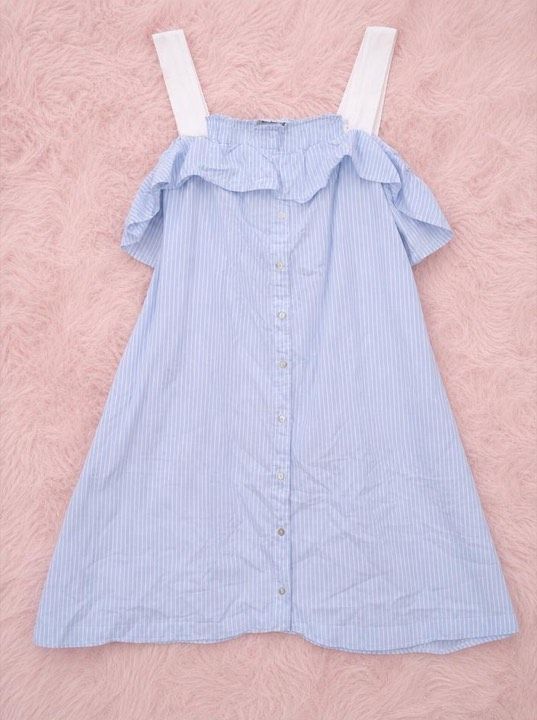
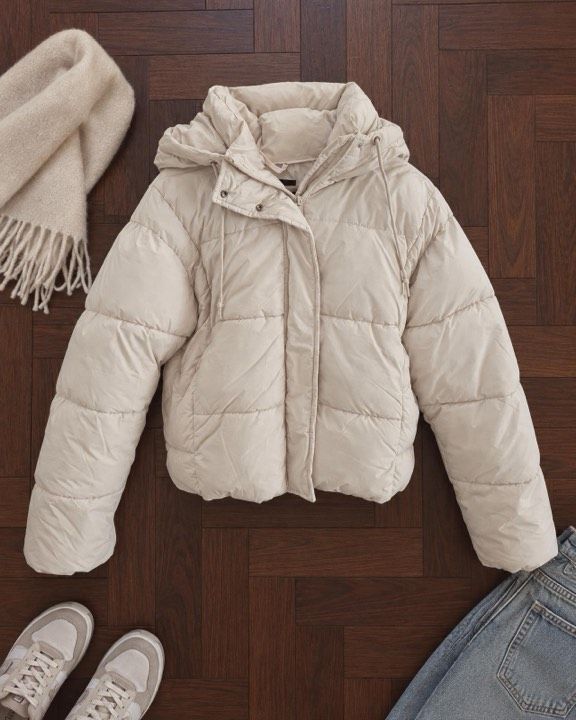
Gingham dress · On a model · real Vintefy output
What changes in the photo, and what doesn’t
Background
Bed, floor, clutterA clean background you pickEverything around the item is replaced, so the item is all the buyer looks at. Every background is included on every plan.
Light
Dim room, yellow bulbBright, even lightCheck the color against the real item in daylight before you list.
Presentation
Flat on the bedWorn by a realistic modelBuyers see the fit and the length, which a hanger can’t show.
Listing text
Title and description to writeWritten for you in EnglishWith a price suggestion. You review and edit before you post.
The item itself stays the same: same cut, same color, same pattern. Vintefy is made for people selling secondhand clothes from home, and the result looks like a photo taken with care in good light. More on the two looks: your item on an AI model and the clothing enhancer.
Can you use AI photos on Poshmark?
Poshmark has no rule specifically about AI images, and its own Smart List AI is being updated to add “polished photos” and “an AI-selected cover photo”. Its general photo rules apply to every cover, AI or not.
Rule 1
The cover shows the real item
Same color, pattern, length and condition as what the buyer will unbox. Compare the result with the item in daylight; if anything is off, retake your photo or don’t use it. If the cover shows styling pieces that aren’t for sale, say what’s included.
Rule 2
Your own photos come after it
Poshmark’s Seller Policy asks for “your original photos of the items”. Follow the cover with your own shots of the brand tag, size tag, fabric and details.
Rule 3
Every flaw stays visible
Photograph each one and describe it. Buyers can open a Posh Protect case for “undisclosed damage” or an item “not as described” within 72 hours of delivery.
How returns and Posh Protect work: how Poshmark works.
Plans from $19 a month
Monthly plans, cancel anytime. Every plan includes On a model and Studio, every background, no watermark, and the title and description written for you.
Starter
$19 a month
60 photos a month
Seller
$49 a month
260 photos a month
Pro
$109 a month
600 photos a month
Poshmark photos: your questions
What size should Poshmark pictures be?
Poshmark doesn’t publish a pixel size or file-size rule. What matters is the shape: since March 25, 2026, listing photos display as 3:4 portraits. Shoot with your phone upright in its standard photo mode, which Poshmark says already captures 3:4. If you crop, keep it 3:4; 1080 × 1440 pixels is one example, our suggestion rather than a Poshmark rule.
What is the Poshmark photo ratio?
Portrait 3:4, taller than it is wide. Poshmark switched covers from square (1:1) to 3:4 on March 25, 2026, and some devices label the same format 4:3. Older square photos are framed into portrait automatically, and shoppers still see the full original when they open the listing.
How many photos can you put on Poshmark?
Up to 16 photos and 1 video per listing. Poshmark’s November 2026 seller guide suggests at least five photos, “but the more the better”. A good set is the cover, the back, the brand and size tags, a fabric close-up and every flaw.
What is a cover photo on Poshmark?
The cover photo, which Poshmark calls the Covershot, is the first photo of your listing, and every listing needs one. It’s the image shoppers see in the feed and in search, now shown as a 3:4 portrait. Poshmark’s Seller Policy says the item “should be clearly represented in the main photo”, so show the whole item, centered, with nothing competing for attention.
How do you take good pictures for Poshmark?
Shoot by a window in daylight with the ceiling light and the flash off, against a plain wall, door or floor. Hold the phone upright, center the item and let it fill the frame without cutting off hems, sleeves or straps. Then add the back, the tags, a fabric close-up and every flaw.
What is the best backdrop for Poshmark photos?
Anything plain and uncluttered. Poshmark’s own suggestion is “a plain wall, a wooden floor, a simple hanger”, near a window during the day. White isn’t required; what matters is that nothing else in the frame competes with the item.
Can you use AI photos on Poshmark?
Poshmark has no rule specifically about AI photos, and its own Smart List AI is being updated to build listings with “polished photos”. Its general rules still apply: include your original photos, show the item clearly in the main photo, and avoid edits or heavy effects that make the condition hard to judge. So if you use an AI cover, make sure it shows the real item accurately and follow it with your own photos of the tag, details and flaws.
Can I use stock photos on Poshmark?
No. Poshmark’s Prohibited Items Policy says: “Do not upload any images that you didn’t take, that are of other people without their permission, or that you do not have the rights to use.” That rules out brand and catalog photos, even for new items. Photograph the item you actually have.
Do I need to update old square photos on Poshmark?
No. Poshmark says updating is not required: square photos are framed into portrait automatically, and shoppers see the full original on the listing page. If the automatic framing cuts off part of an item, a new 3:4 cover lets it show in full in the feed.
Vintefy
Your next Poshmark cover, from one phone photo
On a model or on a clean background in about 30 seconds, with the title and description written for you. Plans from $19 a month, cancel anytime.
More for Poshmark sellers
Independent guide. Not affiliated with, sponsored by, or endorsed by Poshmark.